Label layout
Confirm dimensions, fields, barcode types, lot numbers, serials and date rules.
Barcode PLUS · Equipment and applications
From Excel product lists to shipping labels, we assess custom software, printers and supplies for your layout, data and workflow.
Features, supported models and delivery schedules are confirmed after assessment.
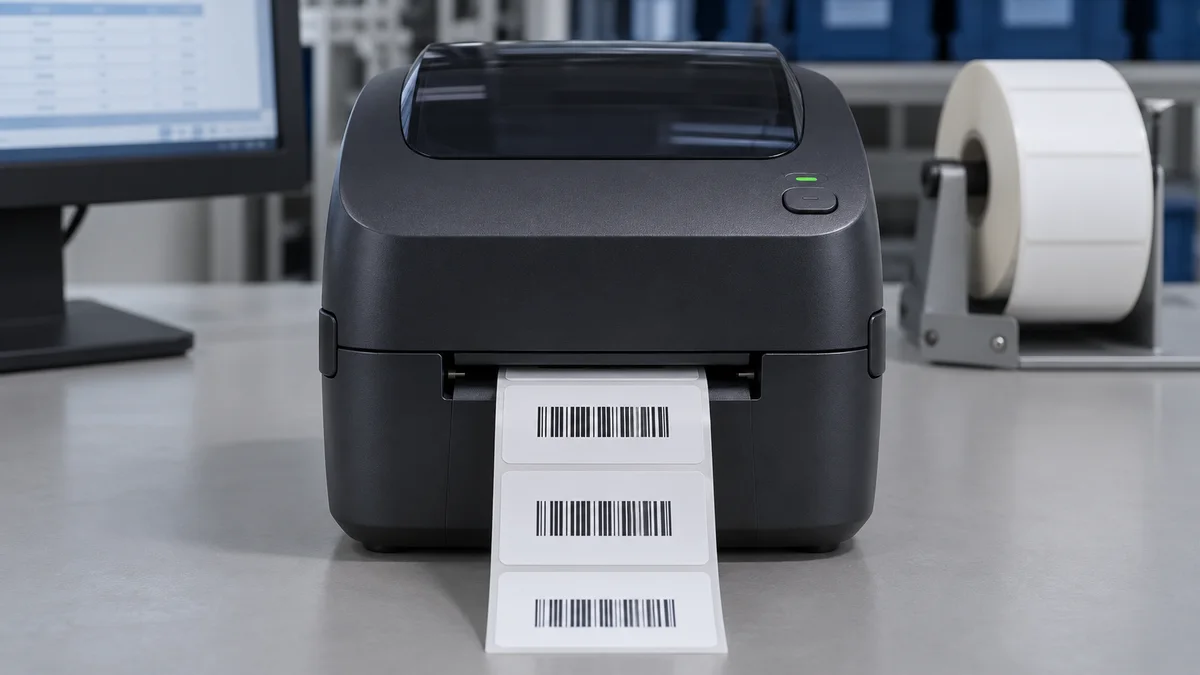
Features and screens depend on project requirements
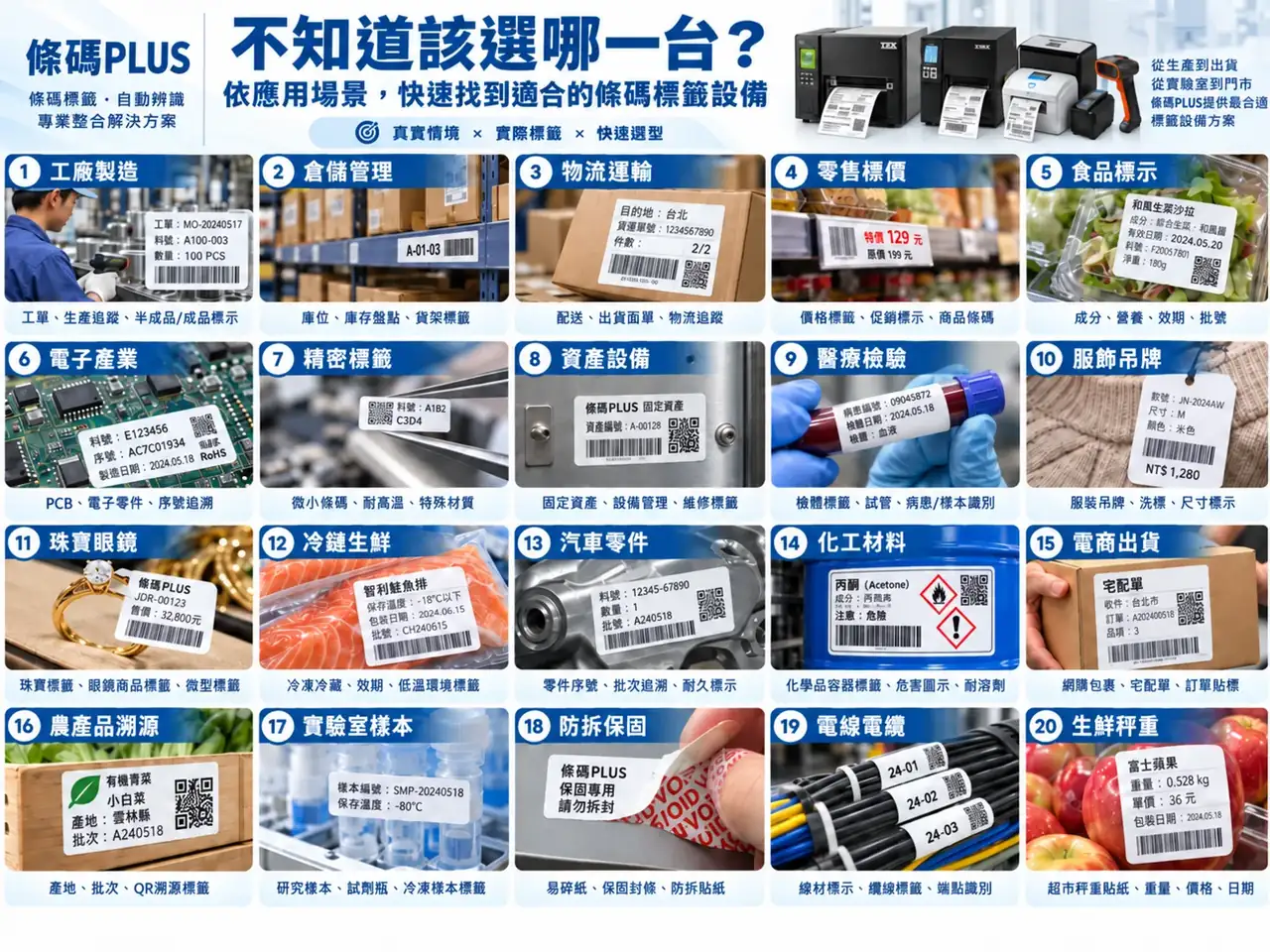
Start with your data source and label content, then confirm the software and equipment.
 Shipping labels
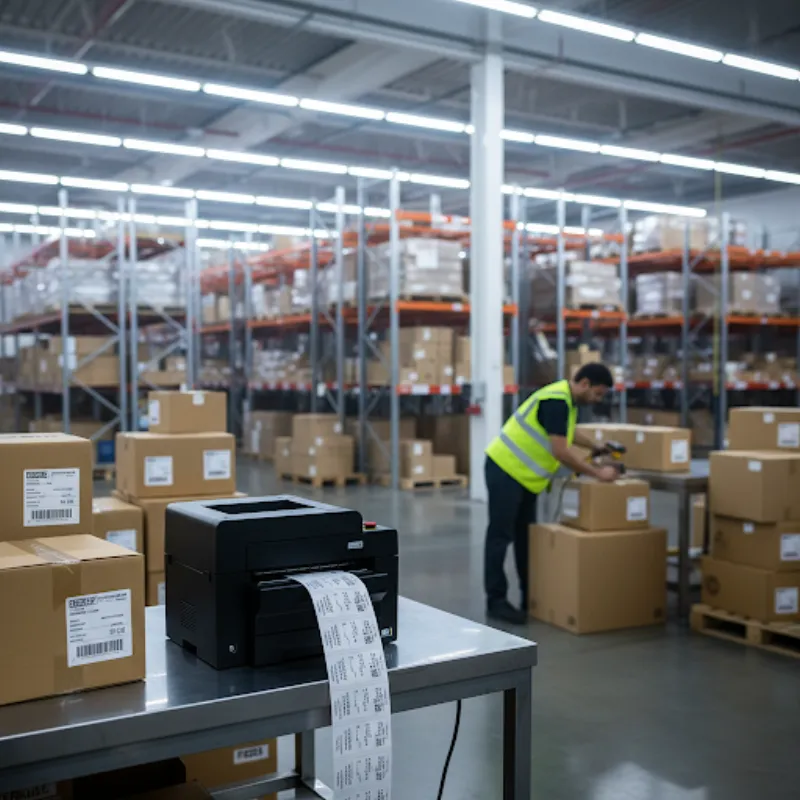
Pull the recipient, items and quantities straight from your Excel shipping list. One label per record: every copying step you skip is one less chance of error.
 Address labels
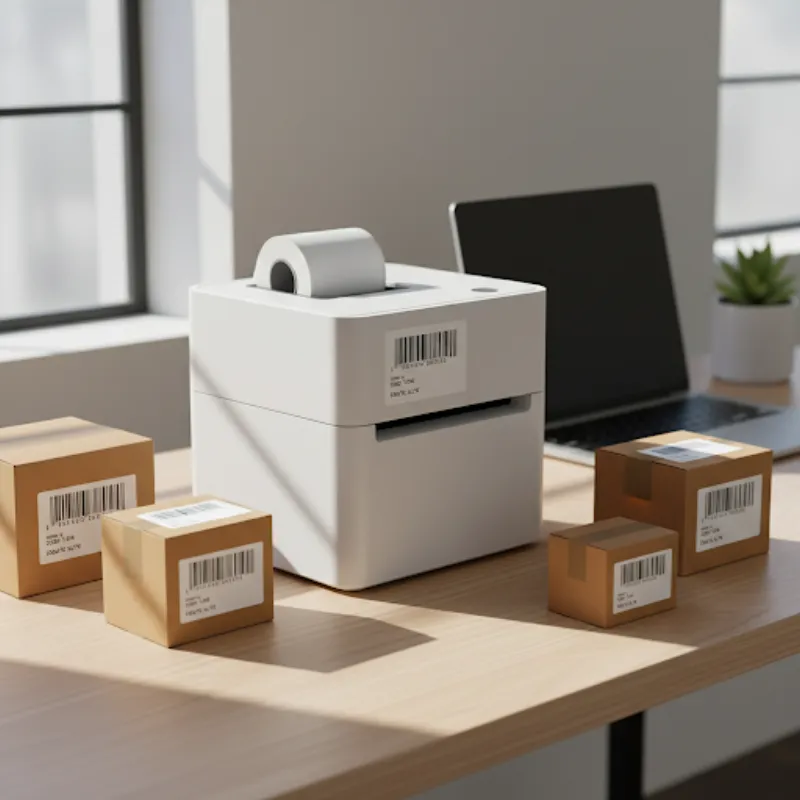
Merge your customer list into a template in one click. Supports many label sizes and batch printing, so sending mailers or samples is quick.
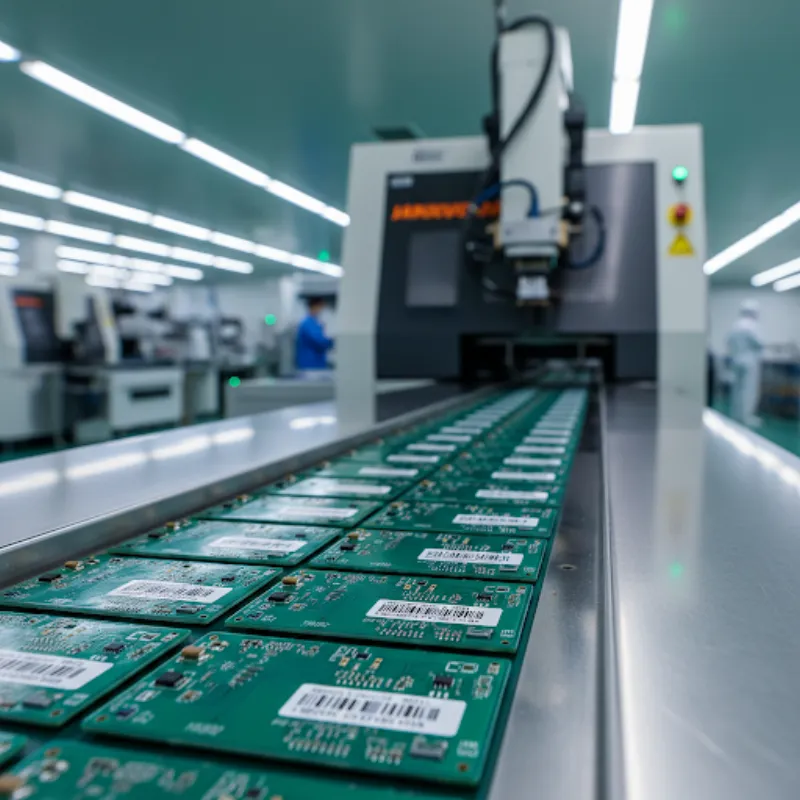 Product labels / Part number labels
Product name, part number, barcode and lot number are generated automatically and scan straight into your system; serial numbers and date codes are supported.
 Fabric labels / Care labels
Nylon fabric labels and care labels for apparel and textiles. Print care symbols and multilingual composition text directly; wash-resistant and colorfast.
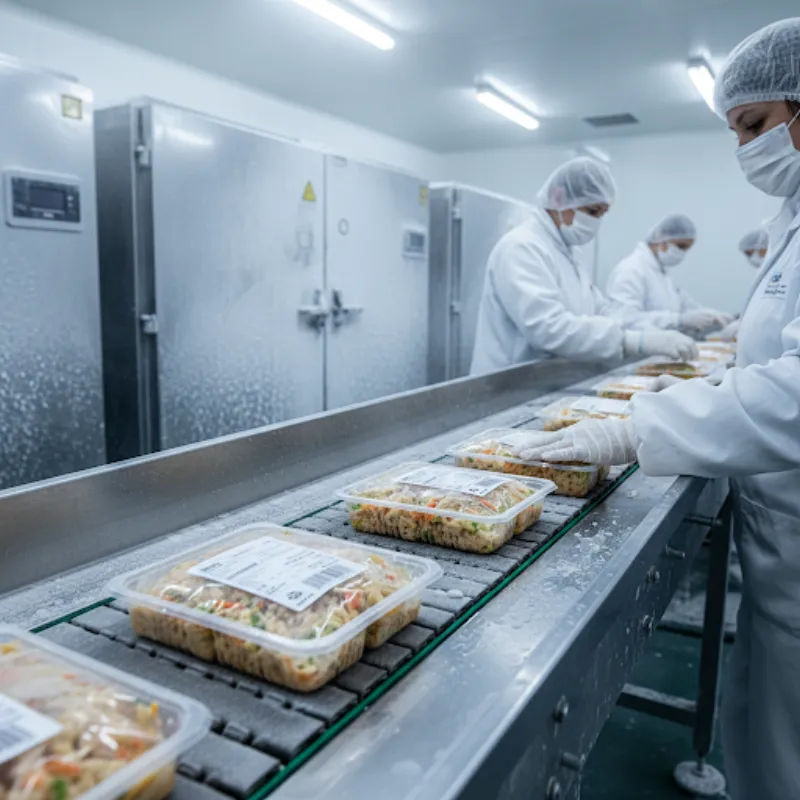 Food labels
Product name, ingredients, expiration date and nutrition facts laid out in the fields the regulations require, with expiration dates calculated automatically.
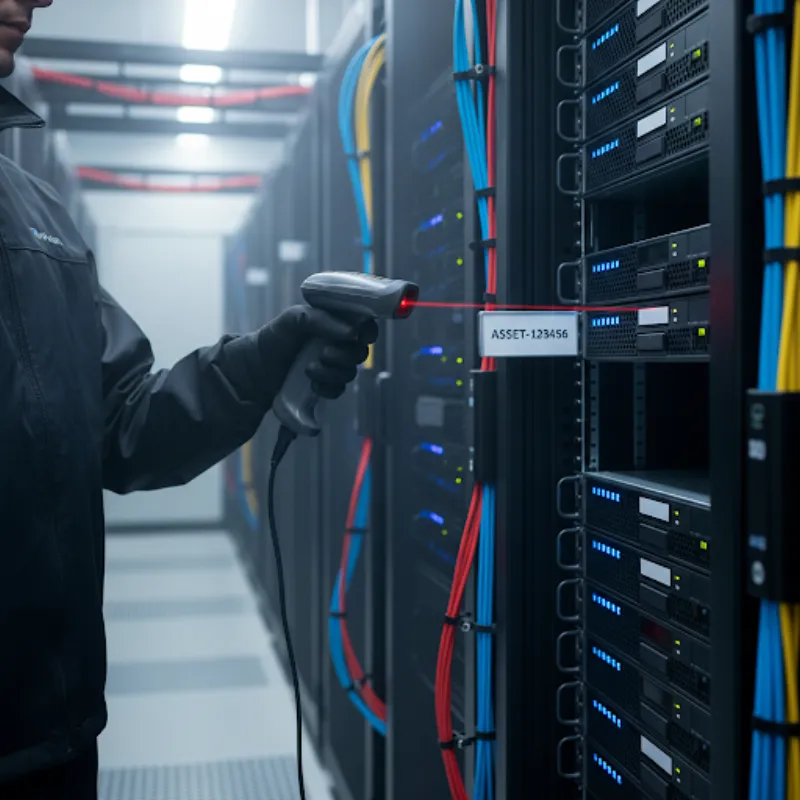 Asset / Equipment labels
Fixed asset number + QR code, scanned with a mobile computer for stocktaking. No more copying by hand for the once-a-year count.
 Pallet / Carton labels
SSCC pallet labels and GS1-128 carton labels that meet the requirements of retail chains and logistics centers.
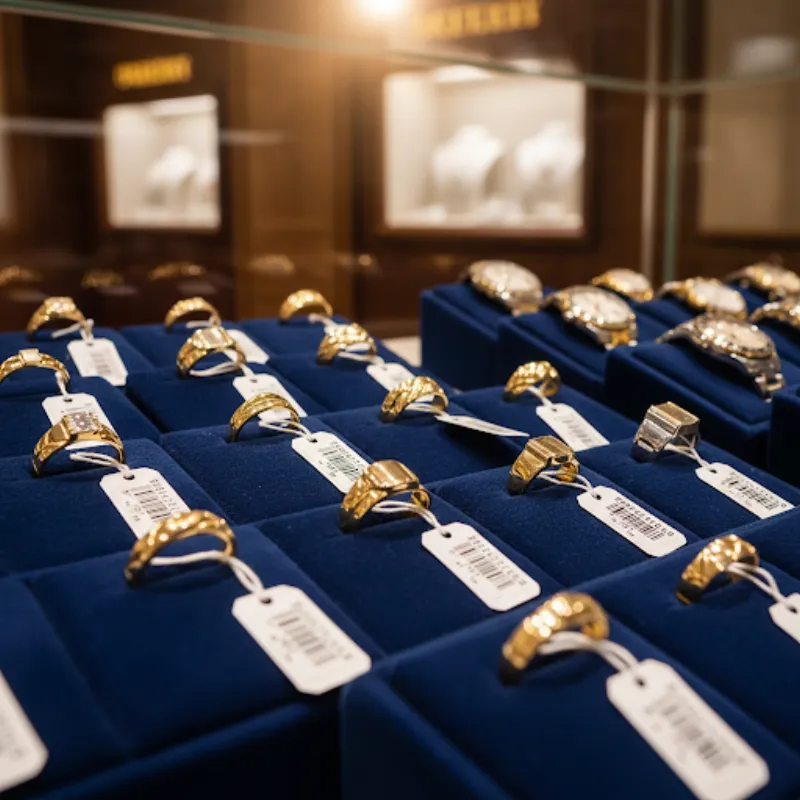 Jewelry / Small hang tags
Small formats such as butterfly labels and hang tags; 300 dpi prints small text and barcodes clearly.
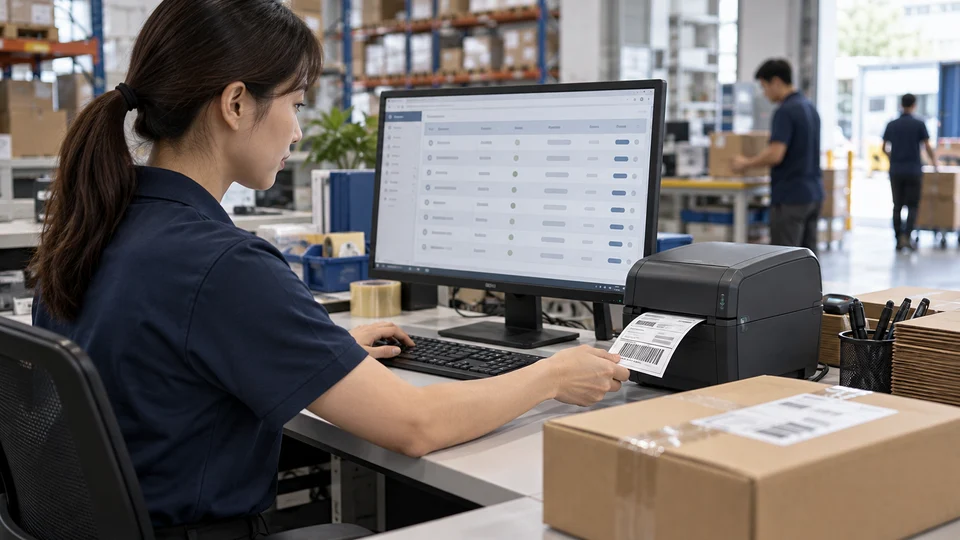 Printing via system integration (API)
Labels print automatically when your ERP, WMS or e-commerce back end issues an order. We provide the API and sample code; your engineers can connect it in half a day.
And more: electronic component labels, GHS chemical labels, freezer labels… If yours is not listed, just ask.
We define the work items and approach before setup or development begins.
Confirm dimensions, fields, barcode types, lot numbers, serials and date rules.
Confirm Excel columns, data import and how staff select and print records.
Check compatibility and print quality for the printer model, connection and label material.
Confirm installation, testing, instructions and ongoing support scope.
For TSC, GoDEX, Zebra, Honeywell and other brands, share the full model and connection method to check support.
Handheld devices read barcodes; recording, checking and returning data also require software and a defined workflow.
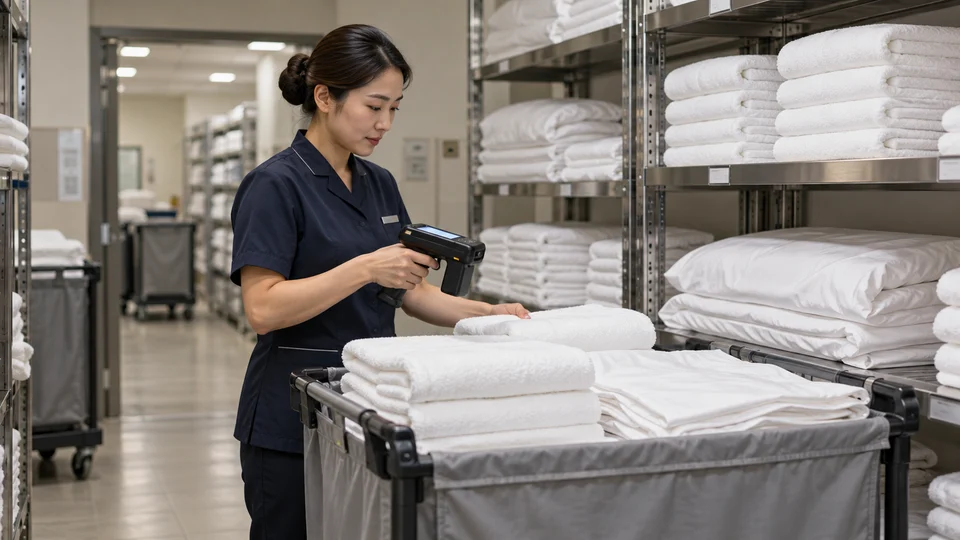 Hotel linen RFID inventory
RFID tags are sewn into sheets and towels. One pass with a PDA counts a whole cart, so laundry dispatch, returns and stock are all clear, and the loss rate becomes visible.
 Warehouse stocktaking
Scan the rack, scan the item, enter the quantity. Count results go straight back to the ERP, with no more reconciling in Excel.
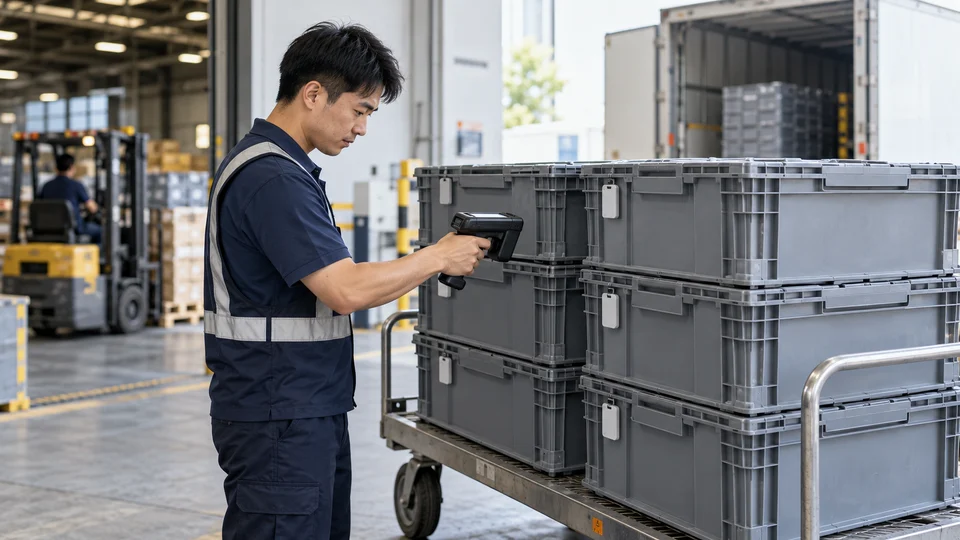 Picking / Shipping verification
Pick lists are pushed to the PDA. Each scan confirms one line, and a wrong pick triggers an alert on the spot. Scan once more before shipping to verify.
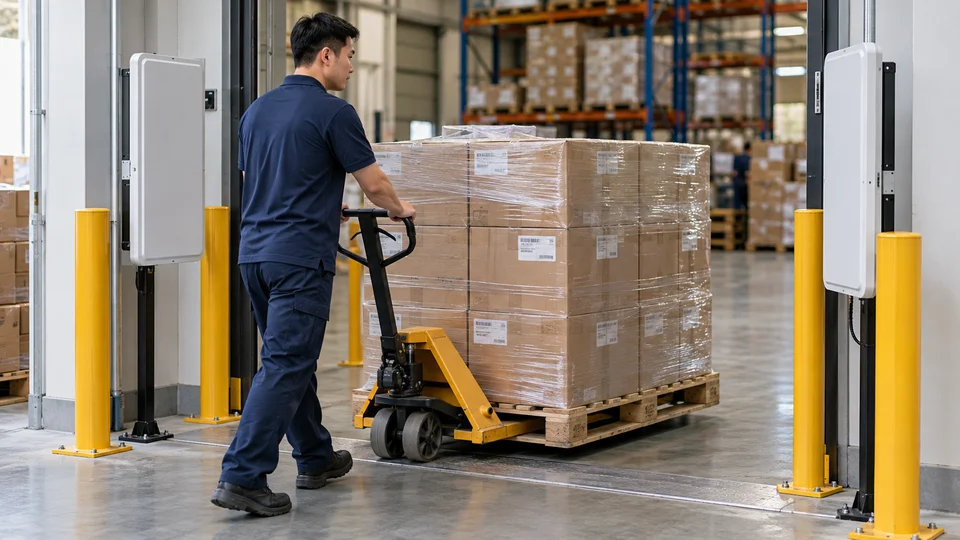 Receiving and put-away
Scan the supplier's barcode or print your own part number labels; record quantity, lot number and storage location in one step.
 Fixed asset inventory
Once the asset labels are applied, do each annual count with one round of PDA scanning; the discrepancy list is generated automatically.
 Equipment rounds / Inspection checks
Scan the equipment's QR code to open its checklist; photos, check-offs and sign-off are all done on the device.
 Mobile order entry / Field work
Sales reps or drivers scan products at the customer's site to create orders and print delivery receipts, using a portable Bluetooth printer.
One team, continued support
Barcode PLUS helps with equipment and application requirements. JUN JIE then assesses workflows, software development and system integration.
Label photos, sample data and equipment models.
Confirm features, scope and expected schedule.
Implement the agreed scope and test with samples.
Check print results and explain daily operation.
Start with your needs
Describe your current process and what you want to improve. Ask us even if equipment or software is undecided.
Barcode PLUS is JUN JIE's equipment and application website, supported by the same team.