Barcode printers
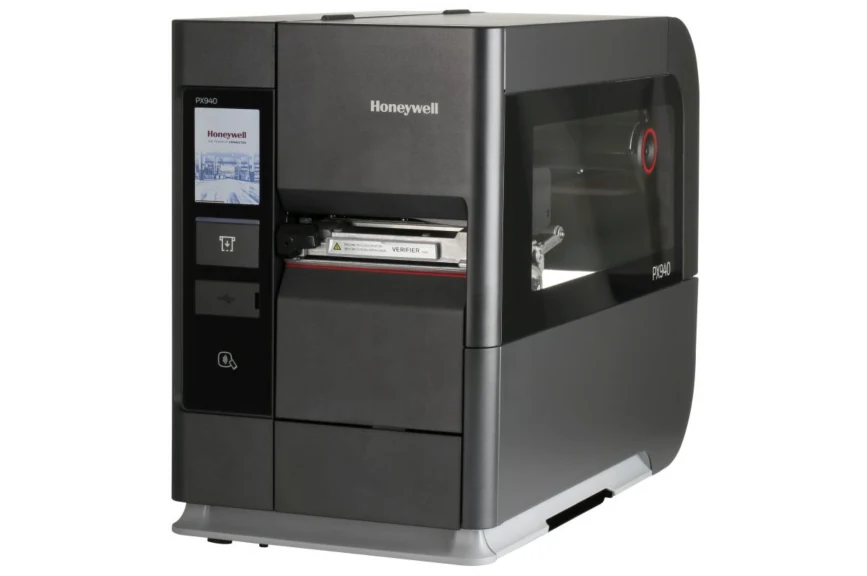
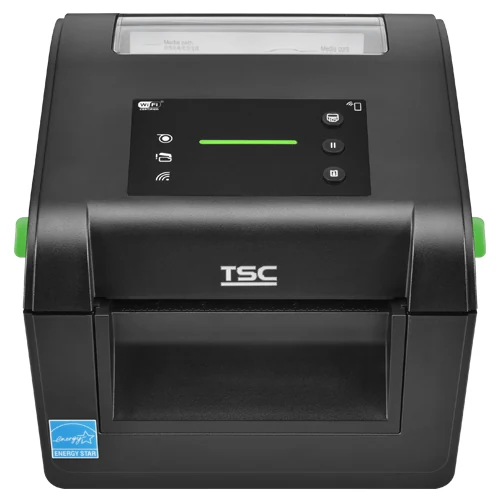
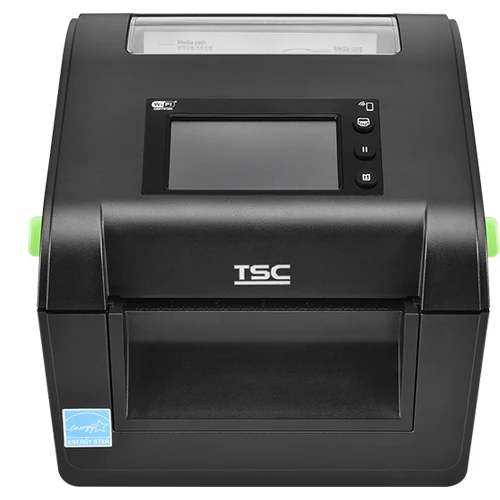
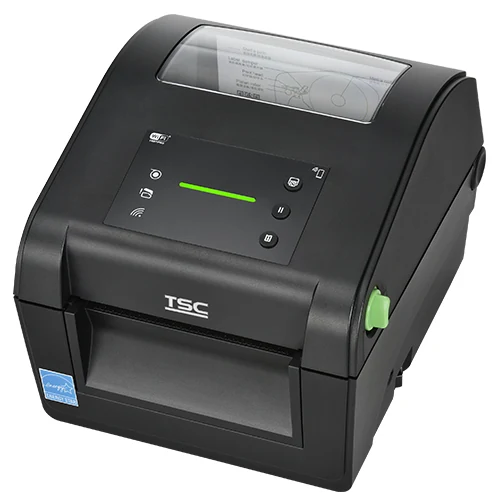
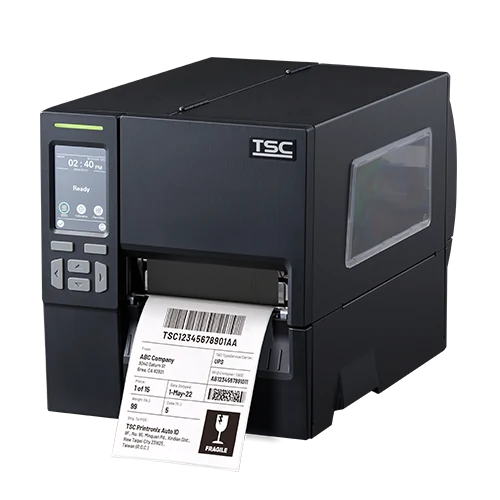
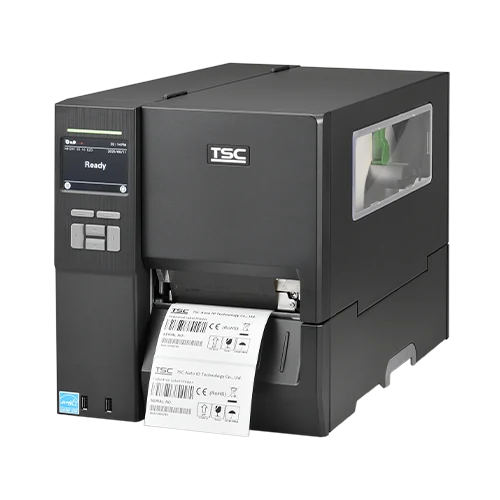
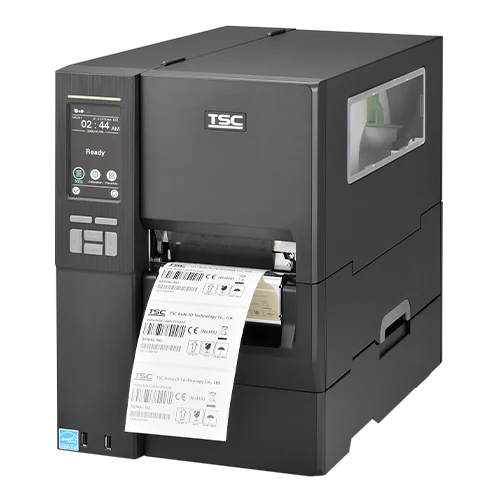
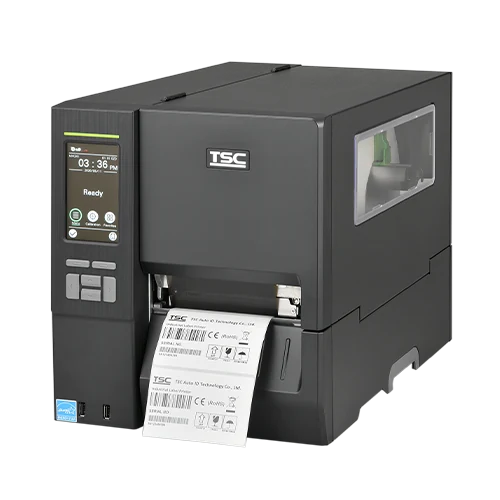
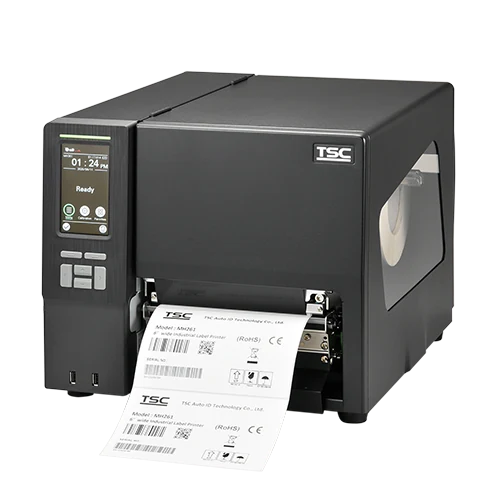
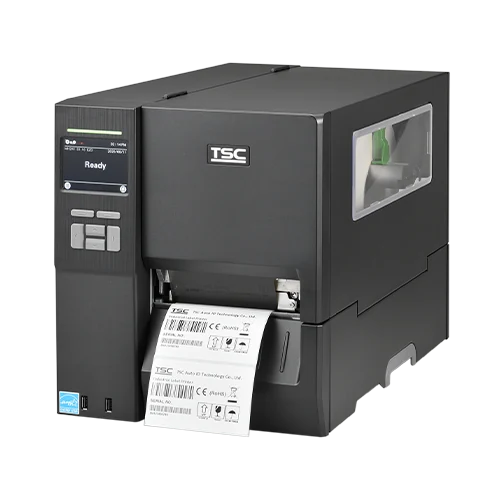
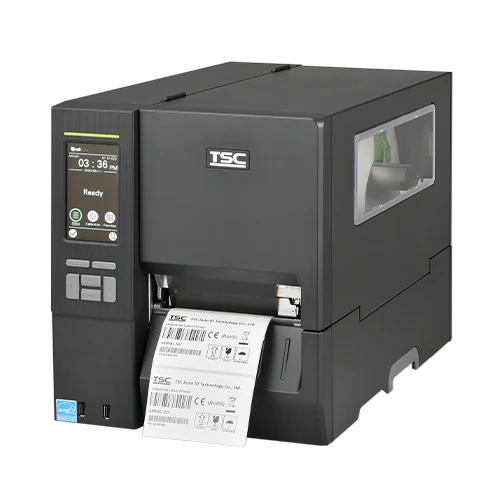
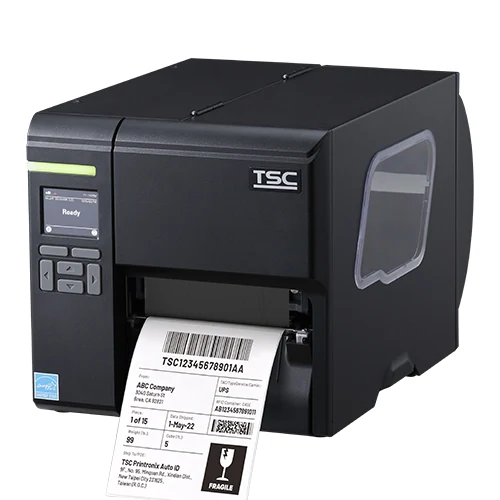
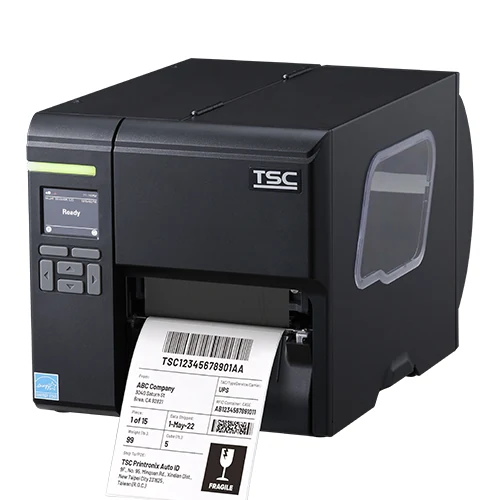
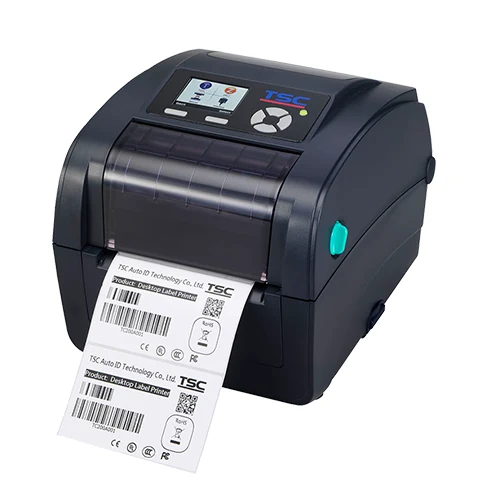
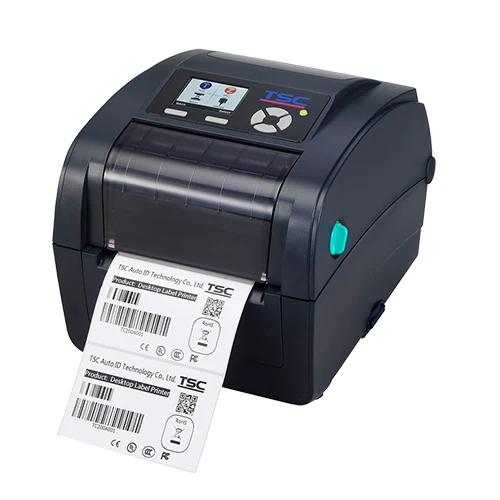
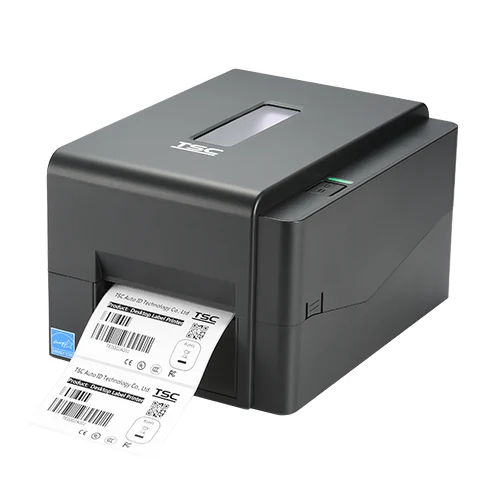
Desktop to industrial barcode printers · 89 models
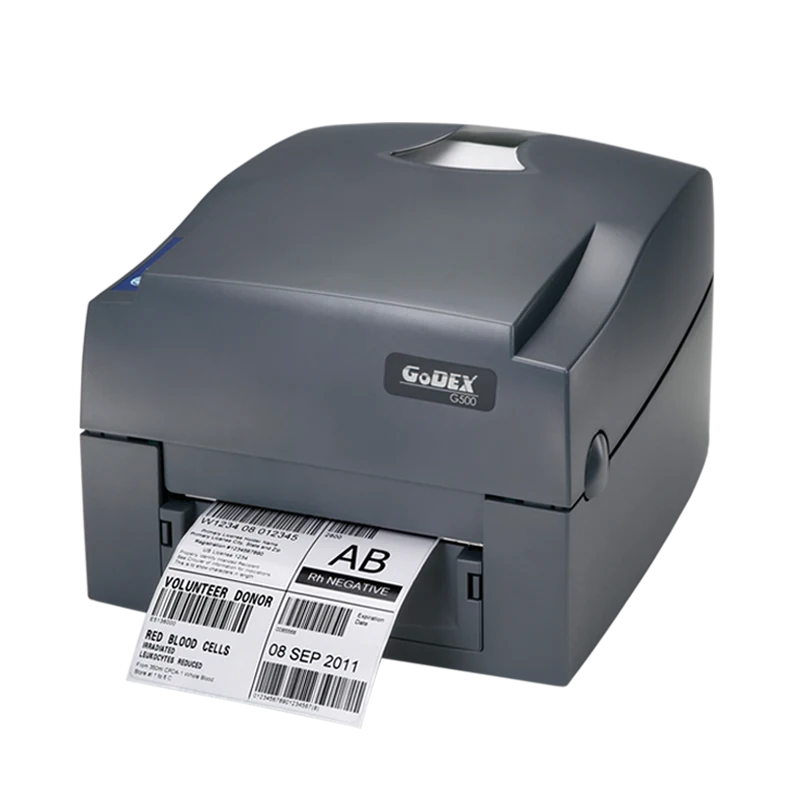
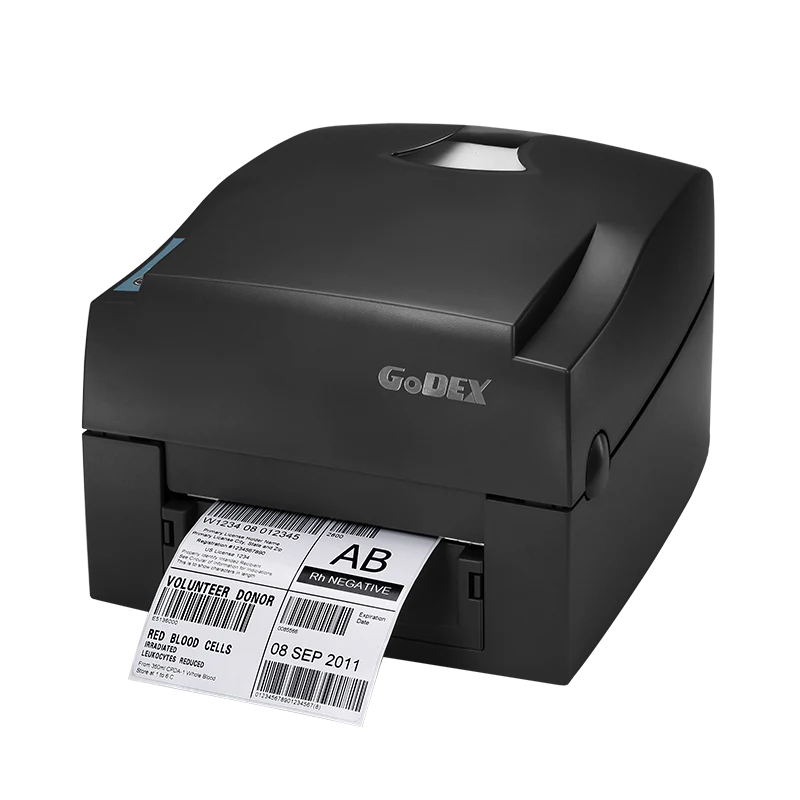
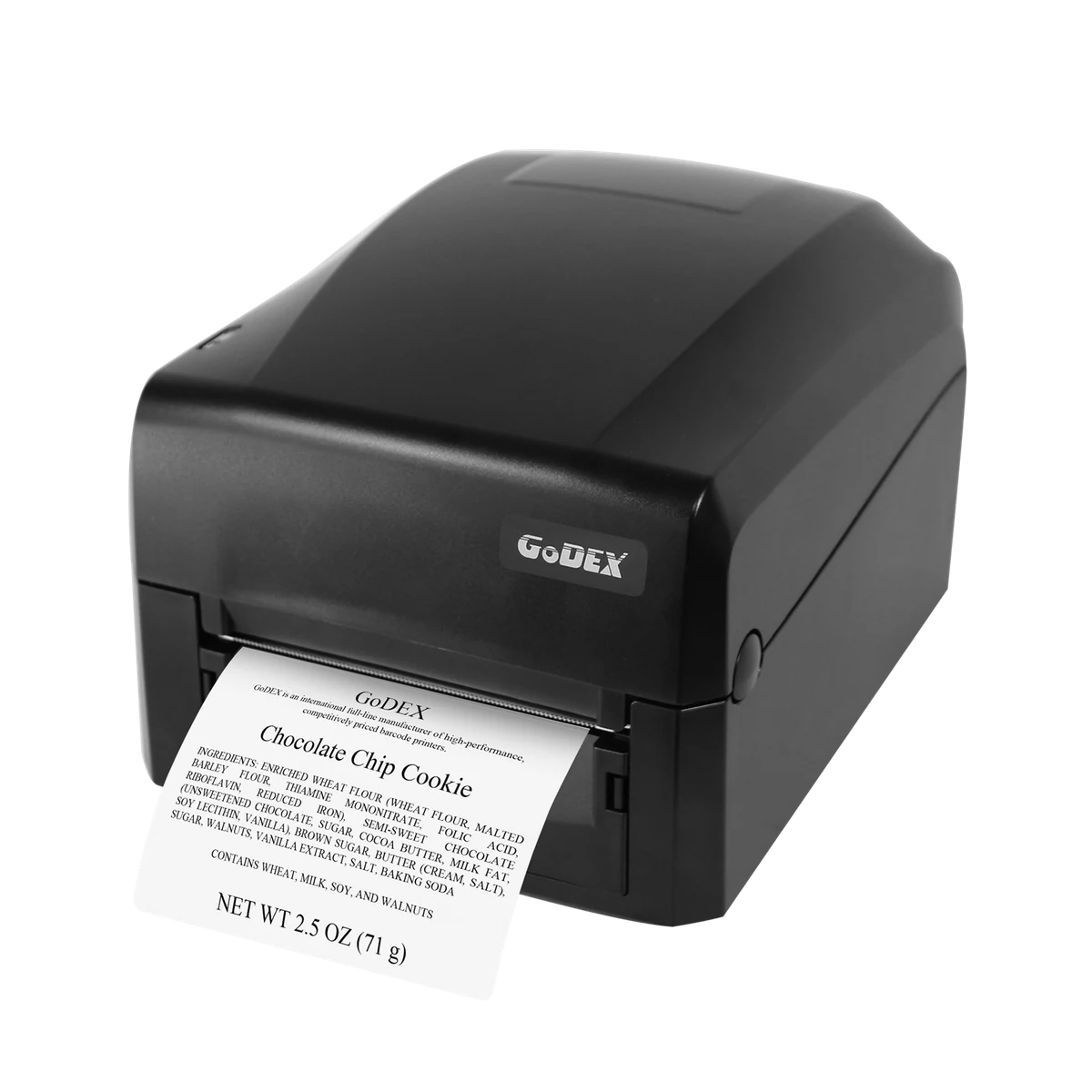
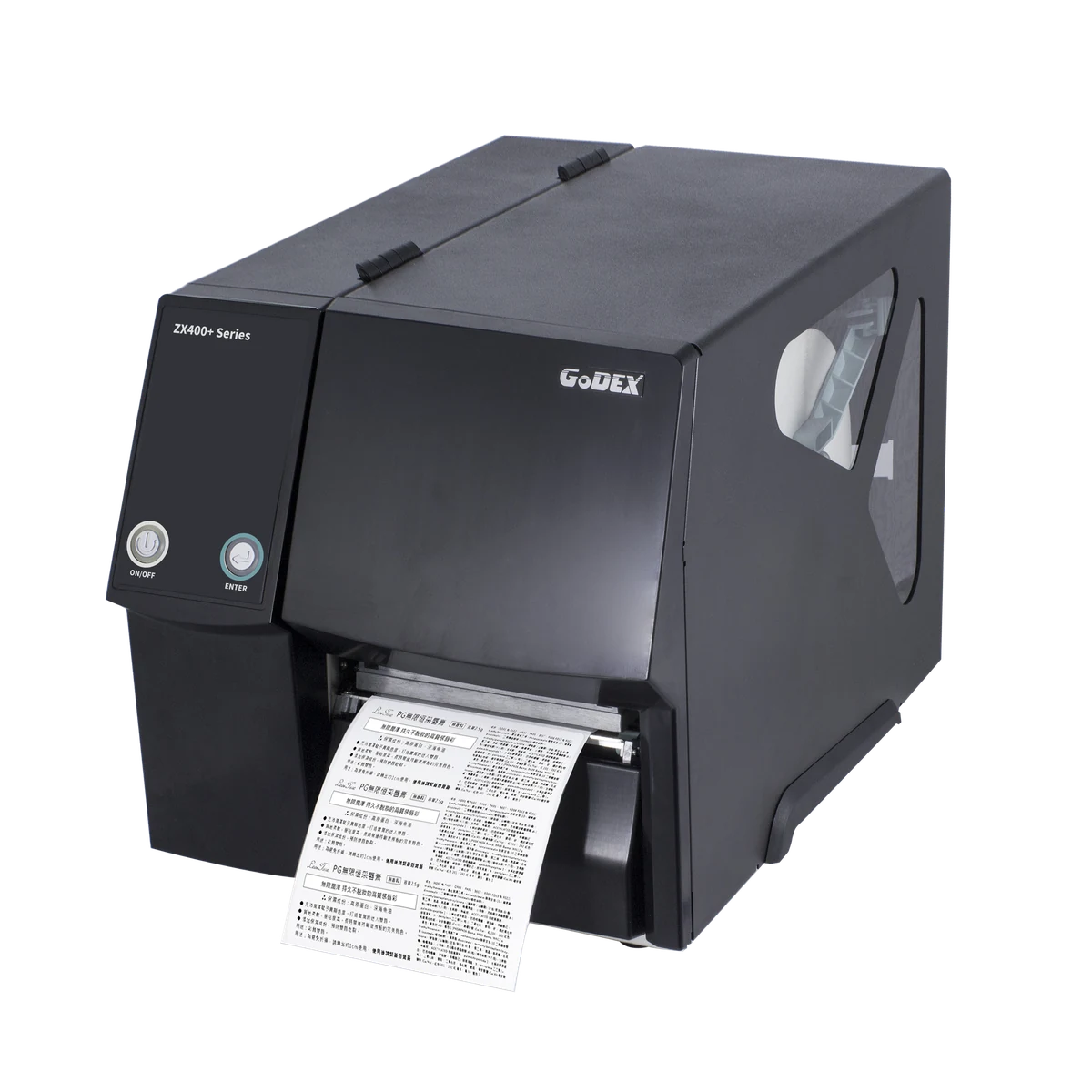
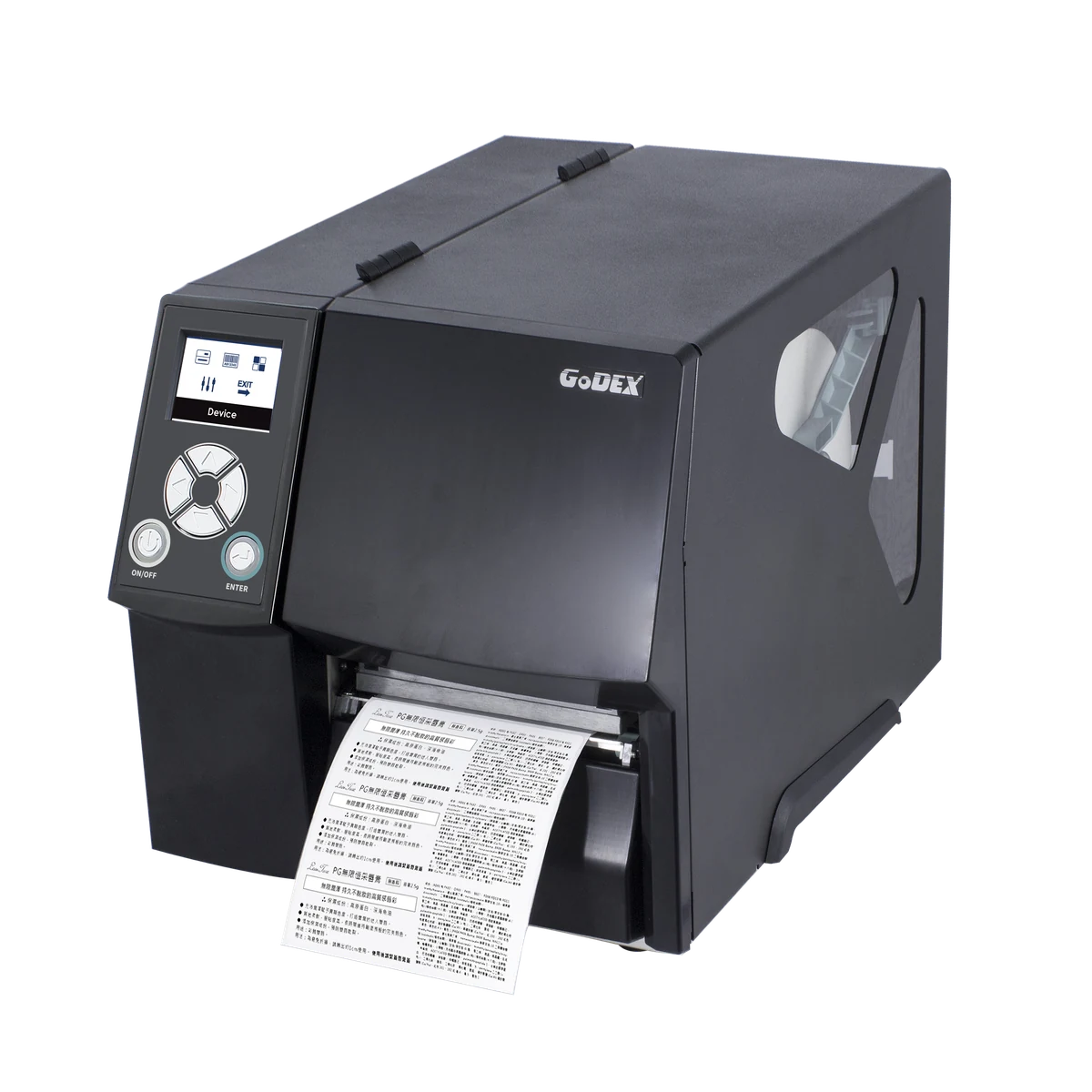
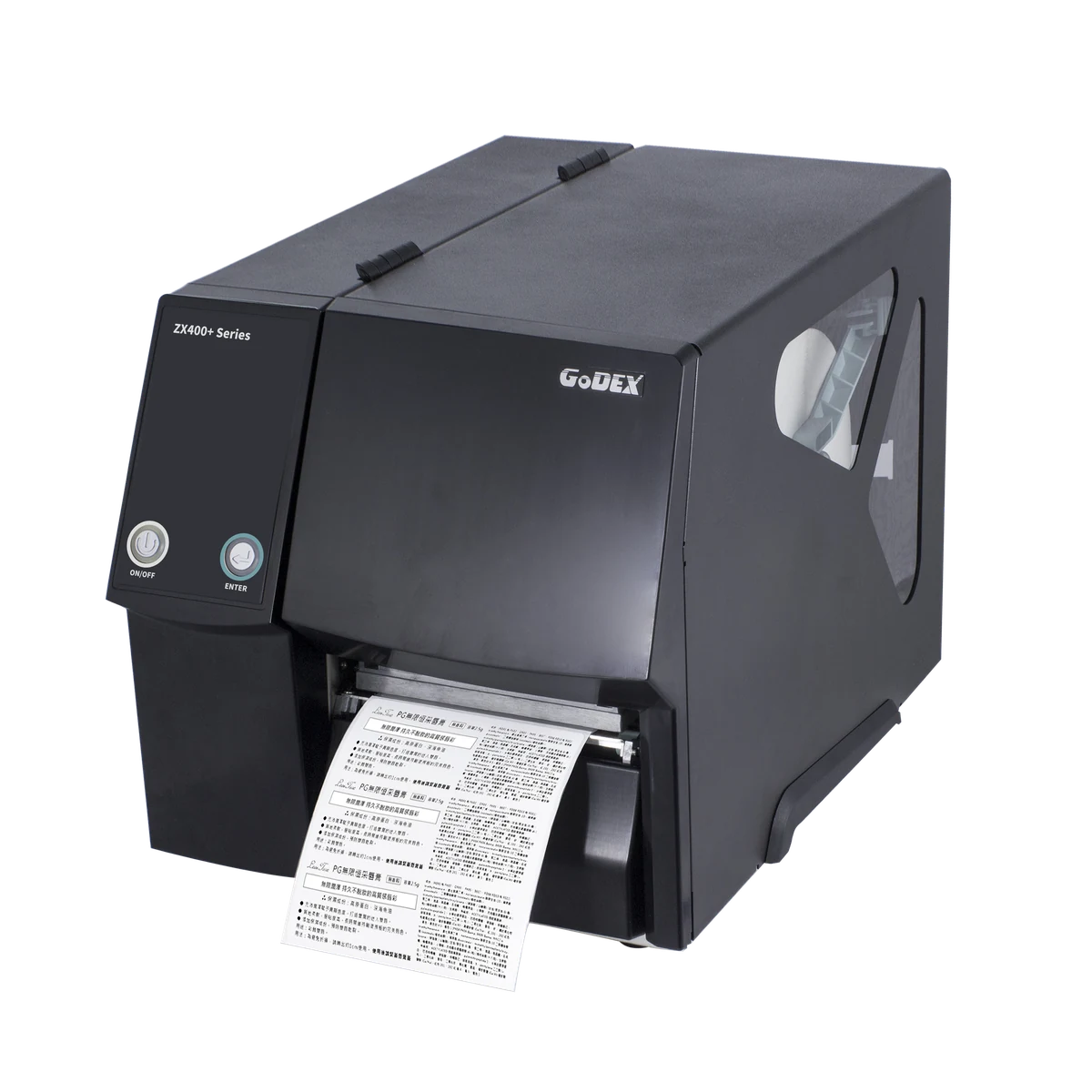
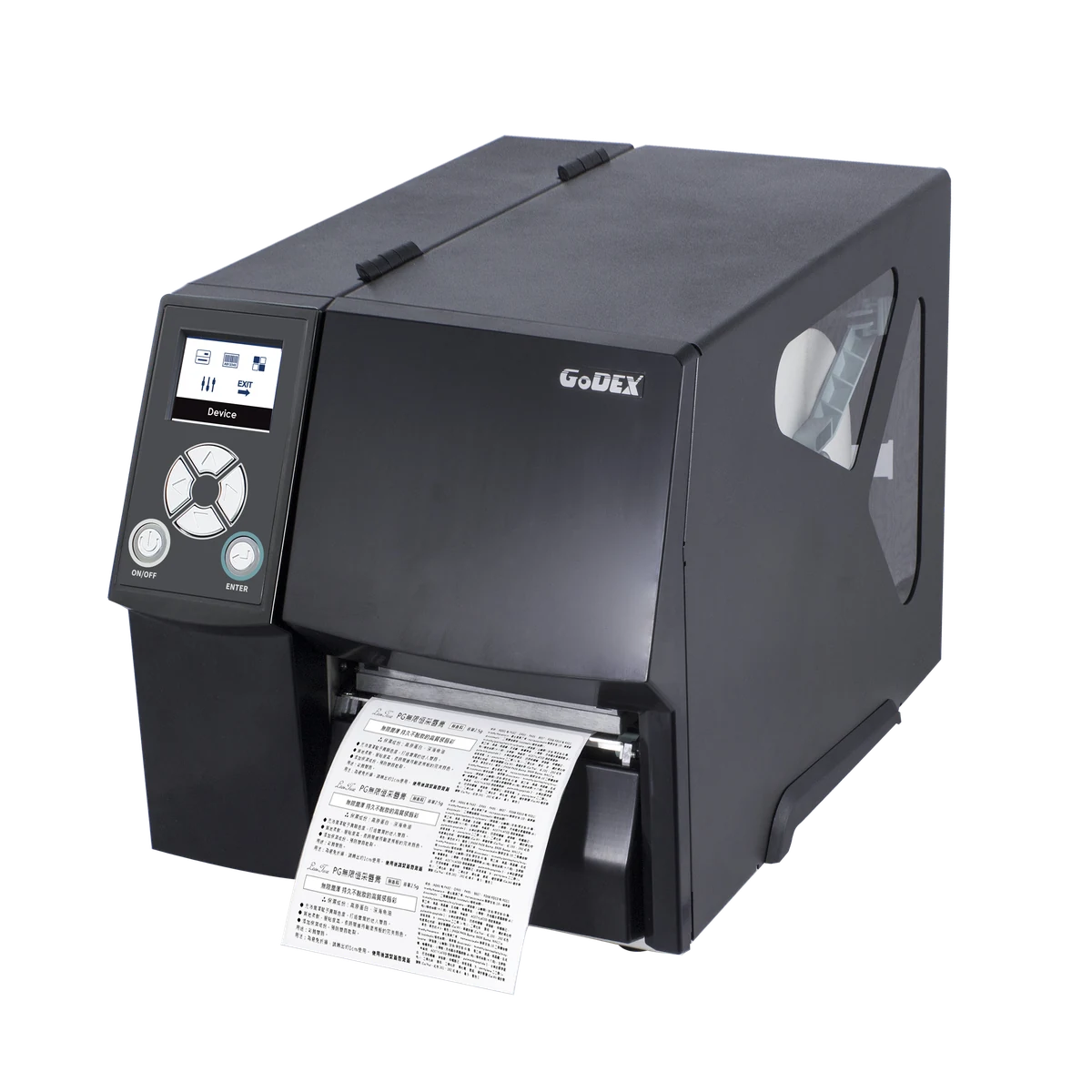
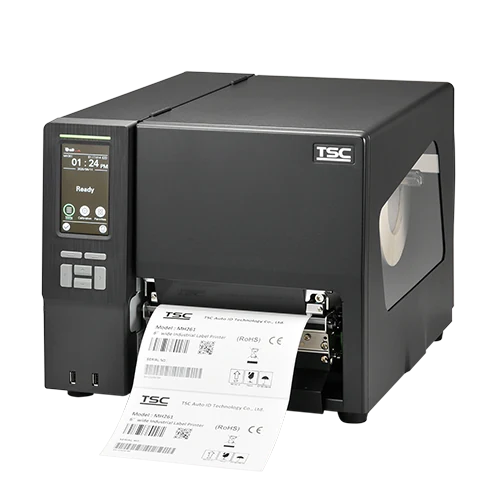
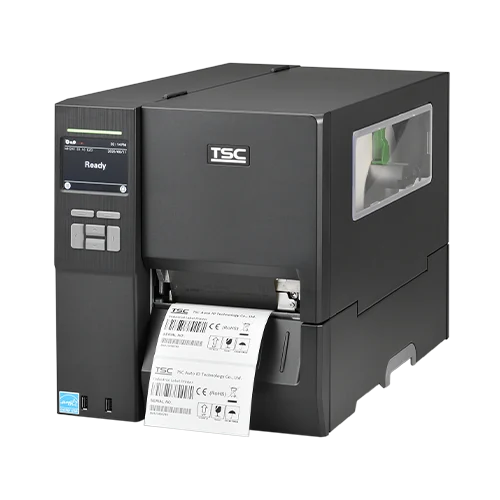
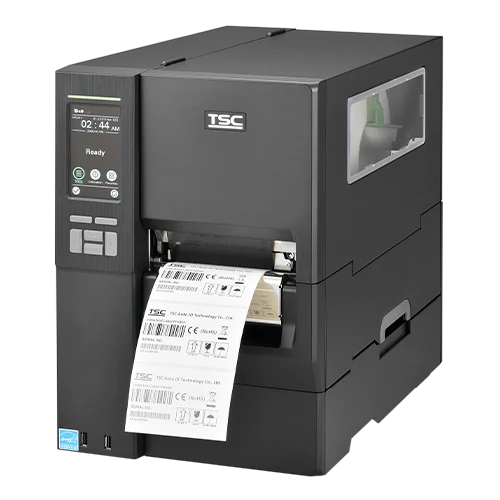
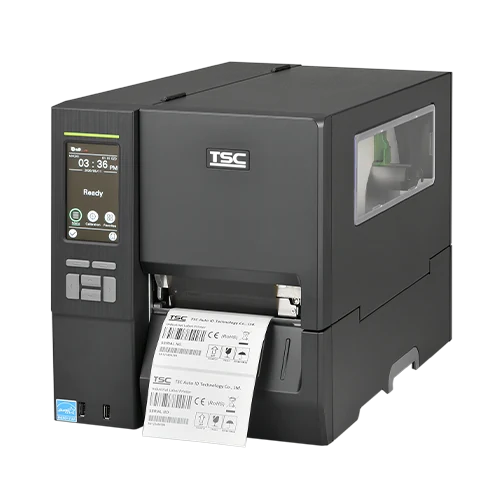
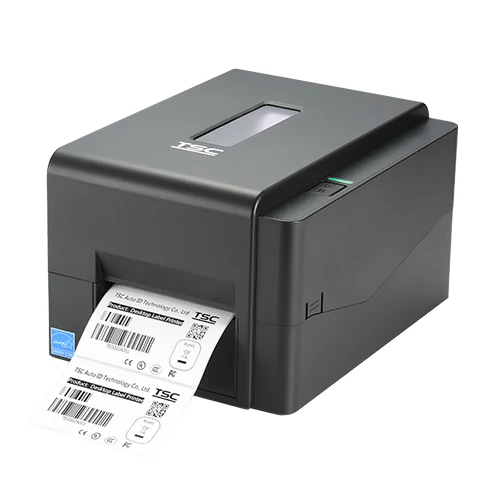
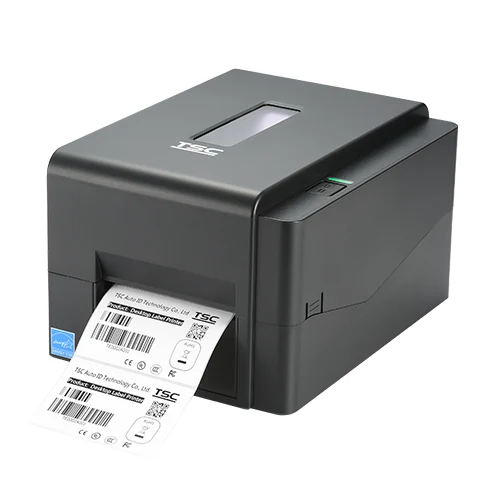
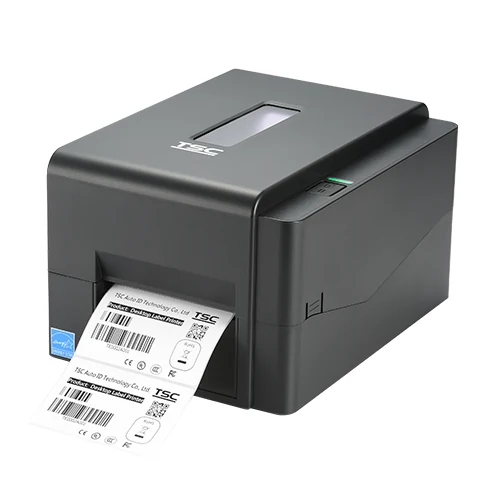
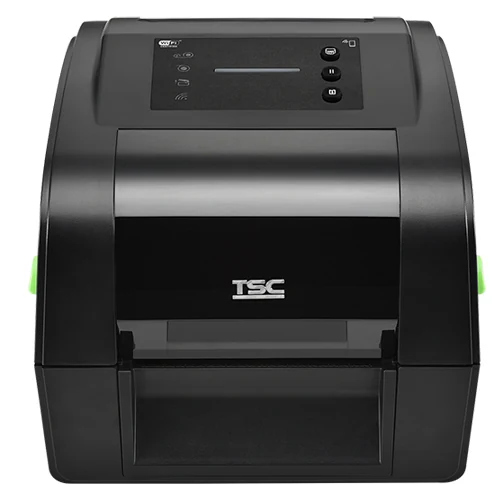
Barcode printers — often just called "barcode machines" or "label machines" in Taiwan — print shipping, product, part-number and asset labels. When choosing, start with three things: how many labels a day, how long the labels must last, and how big they are.
Custom label printing software: built around your labels and workflow, connects to Excel and integrates via API, and works with any brand of barcode printer. See software and applications →
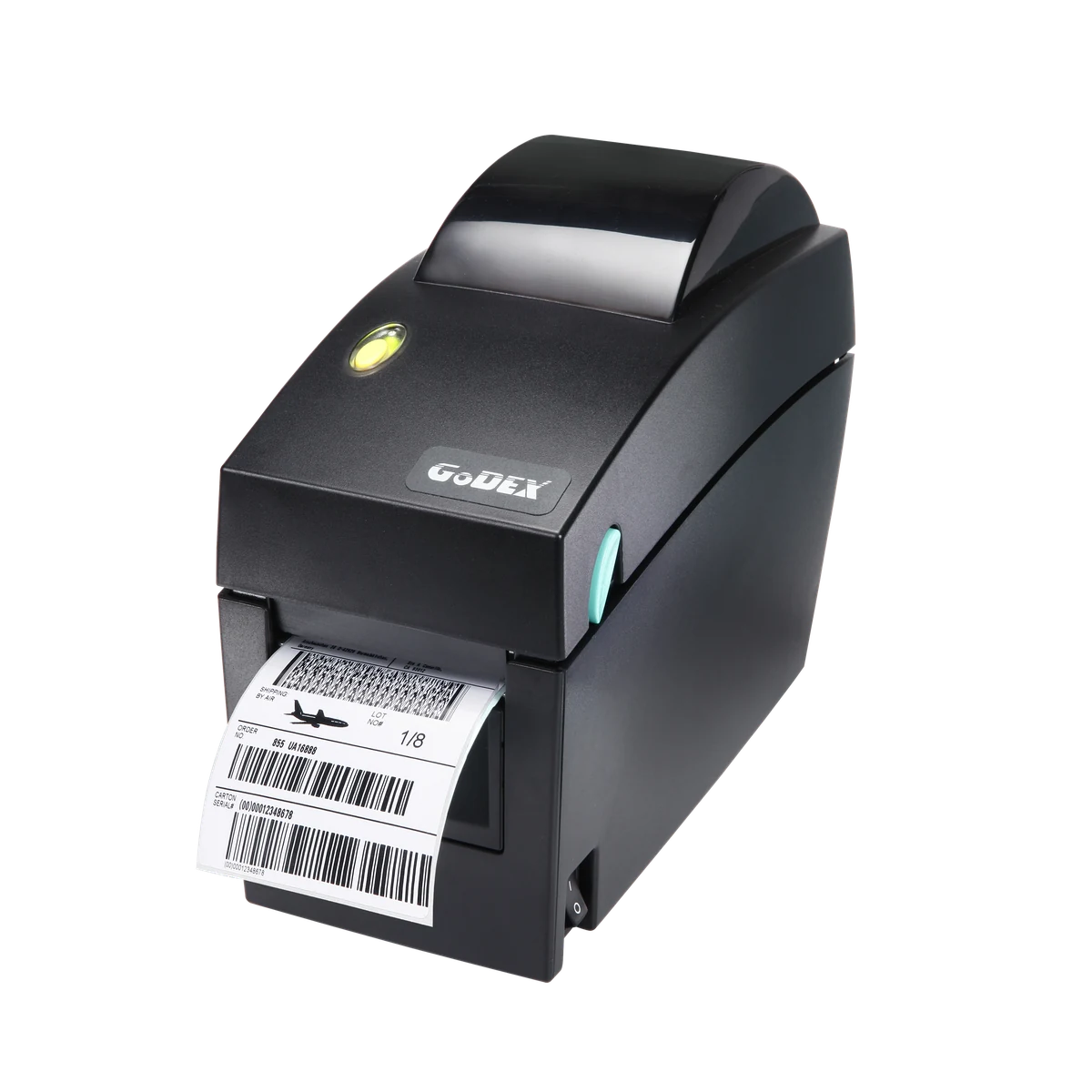

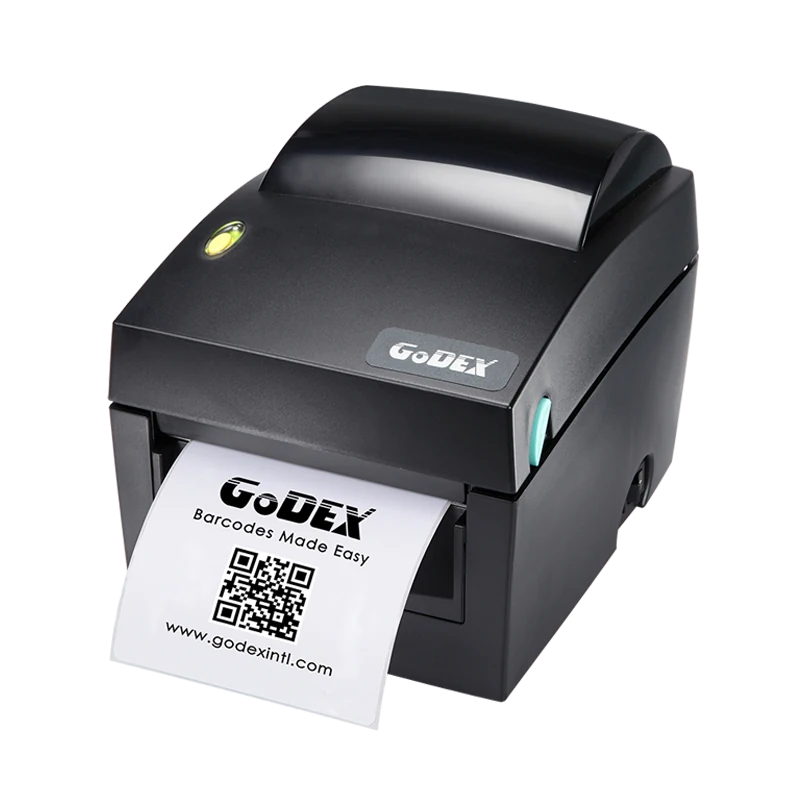
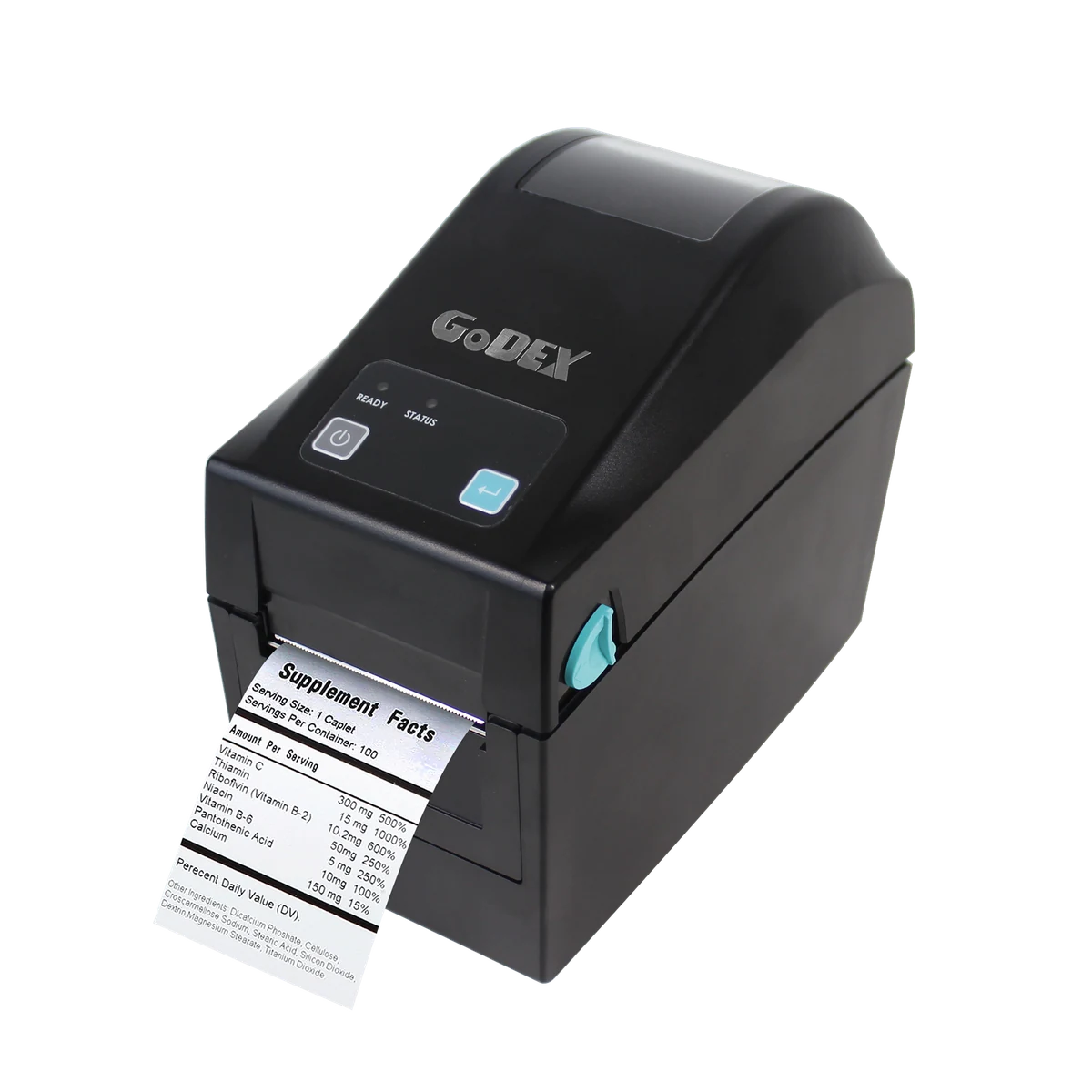
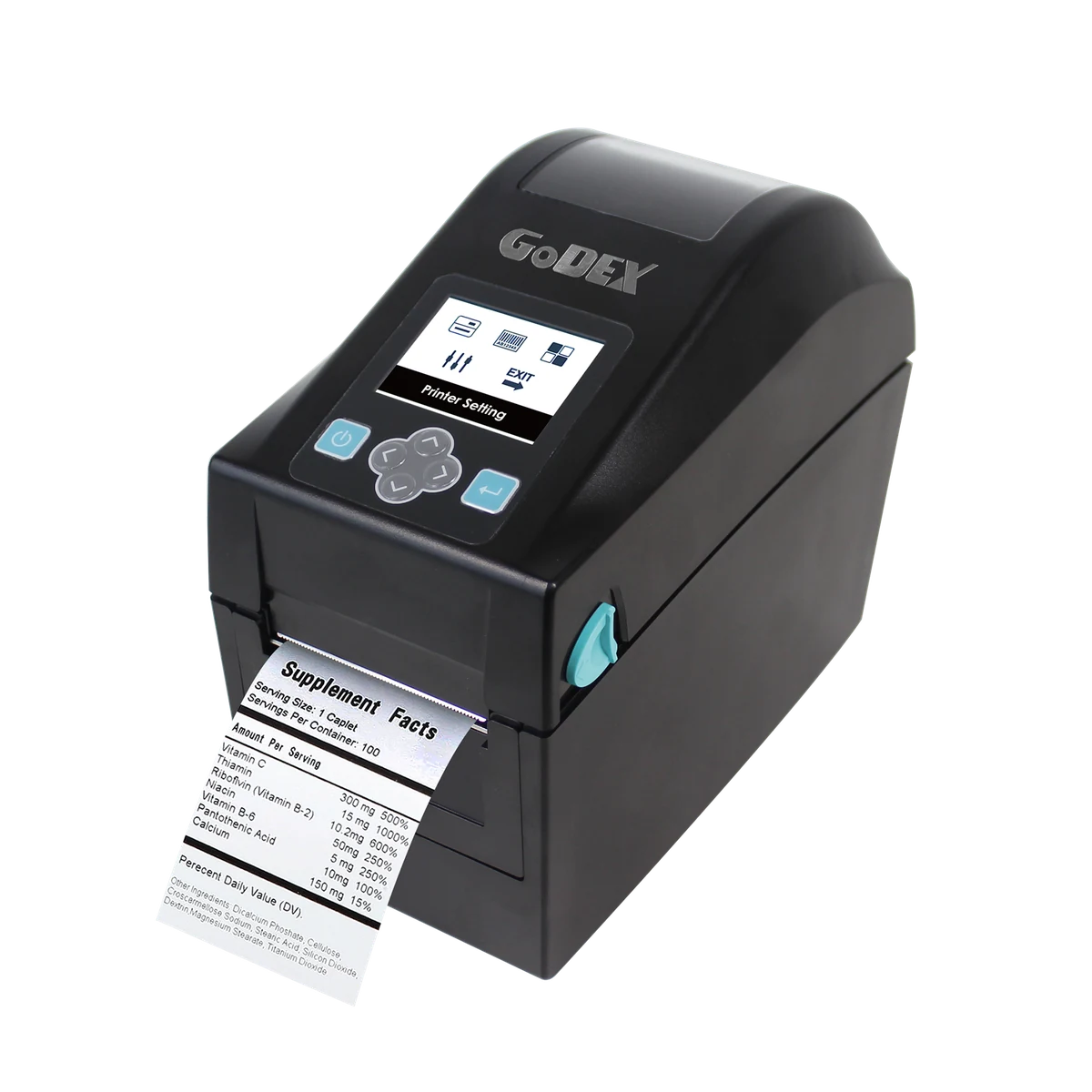
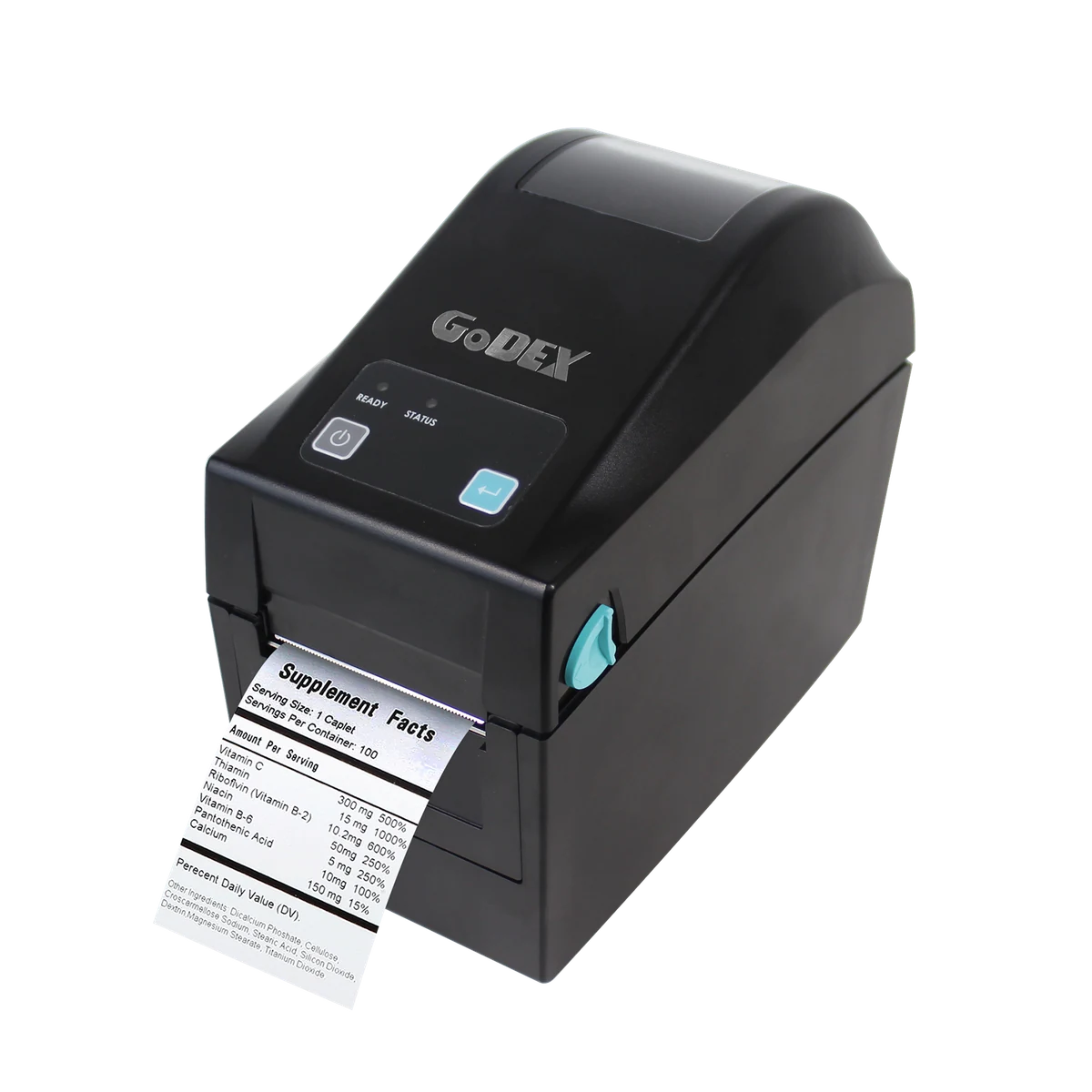
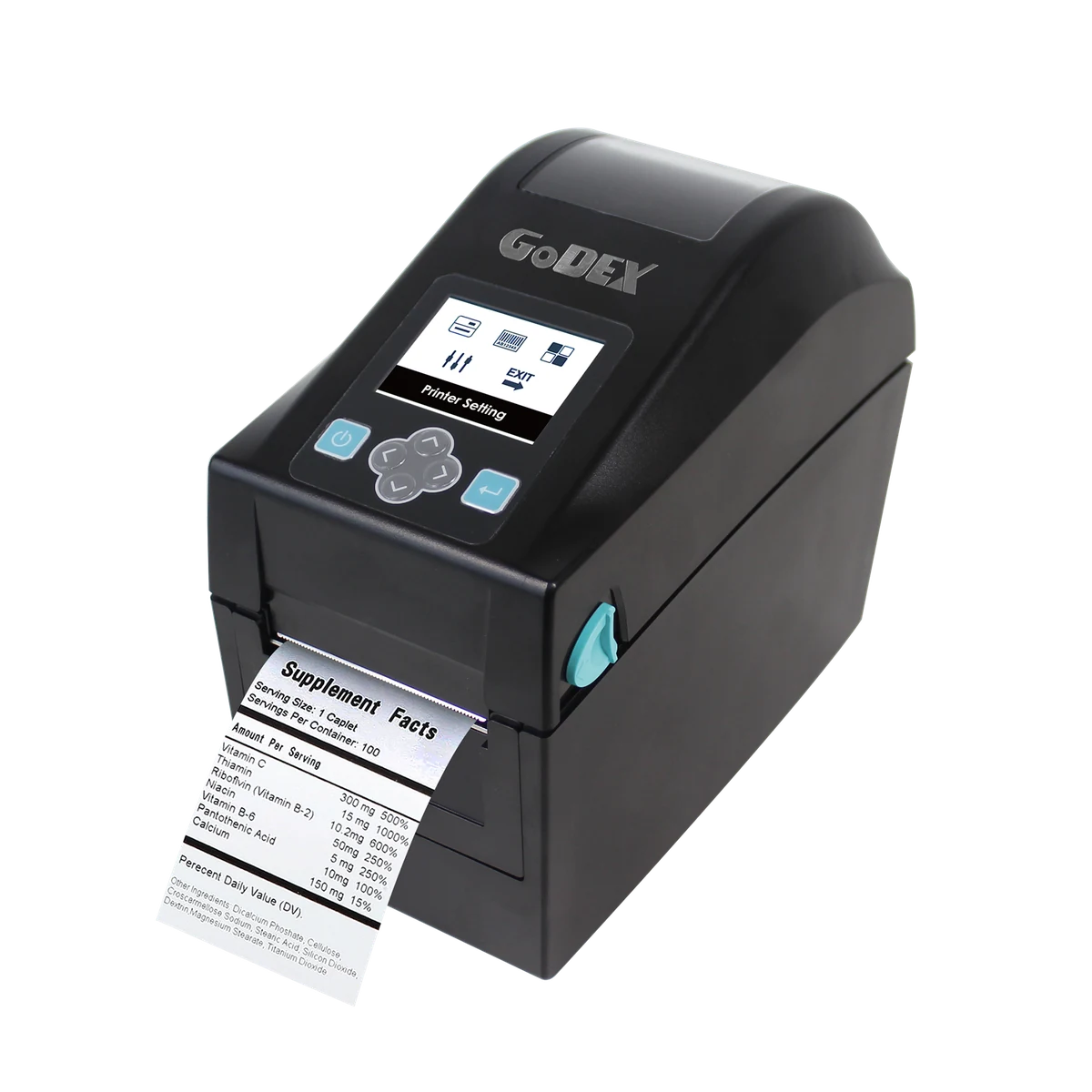
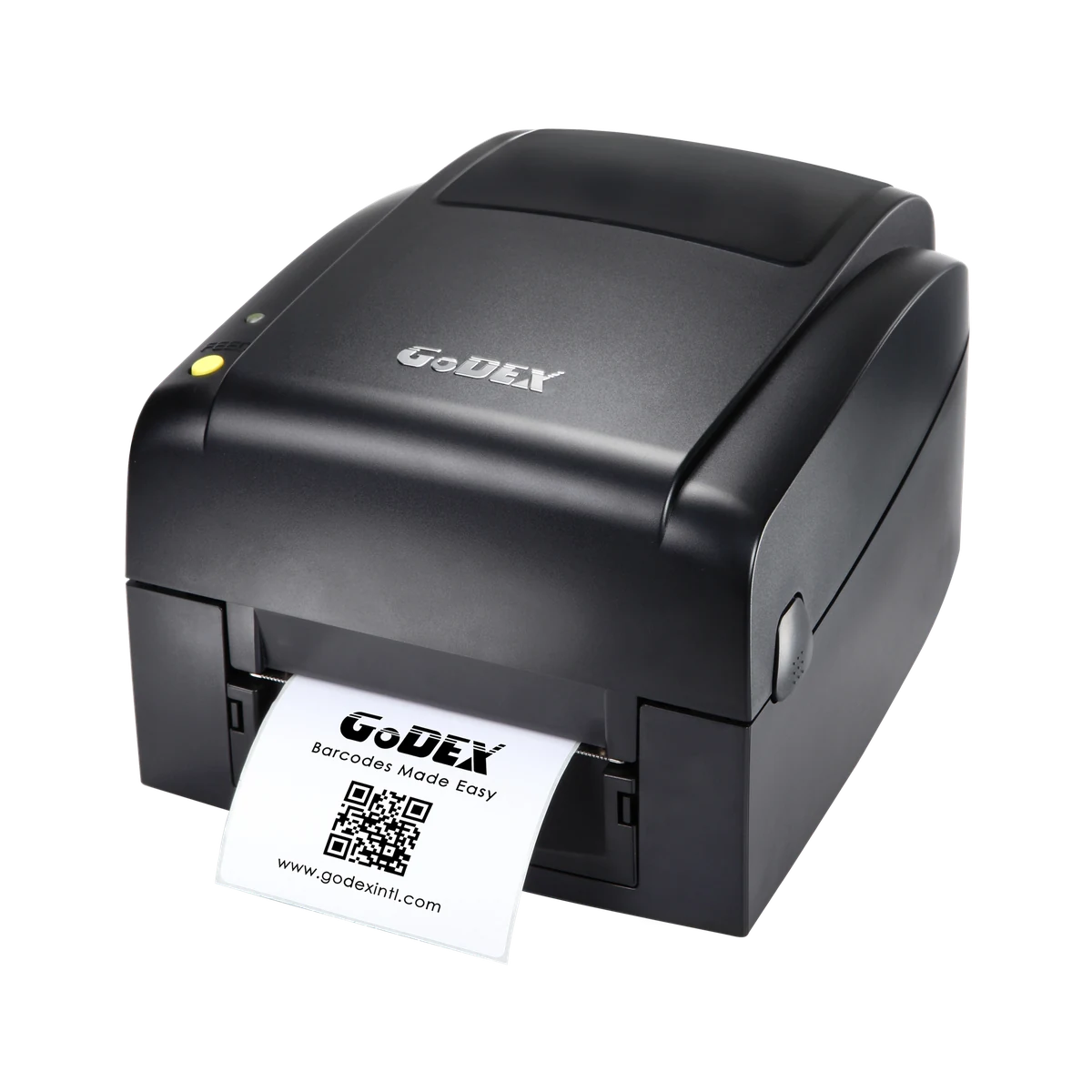
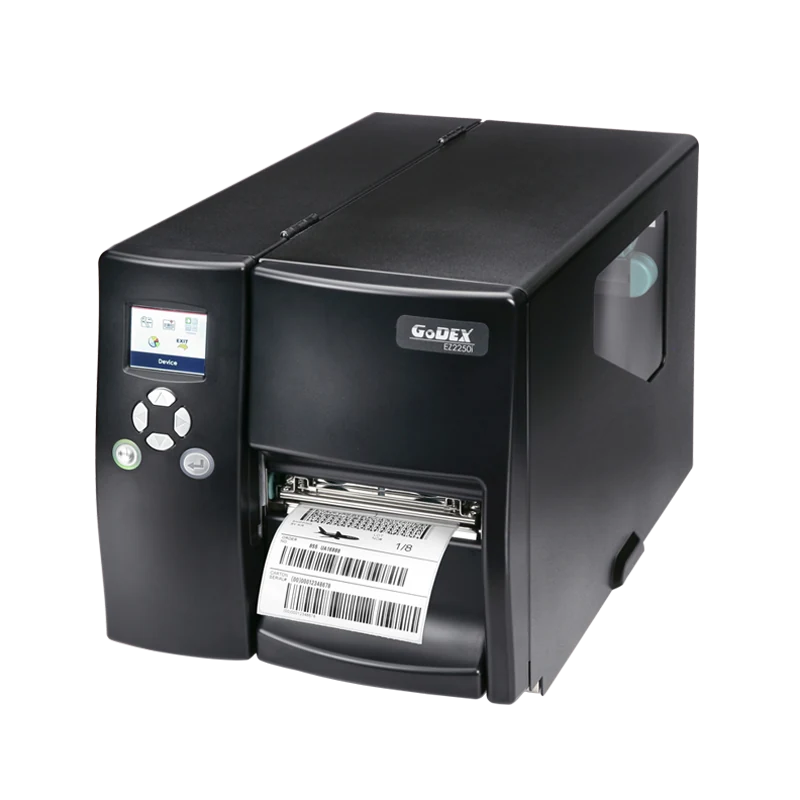
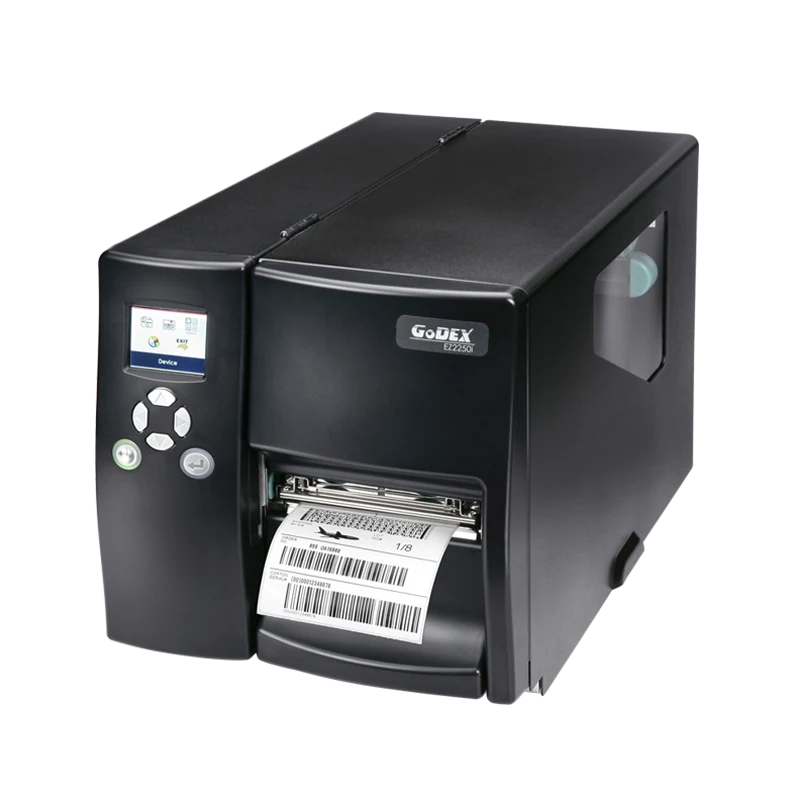
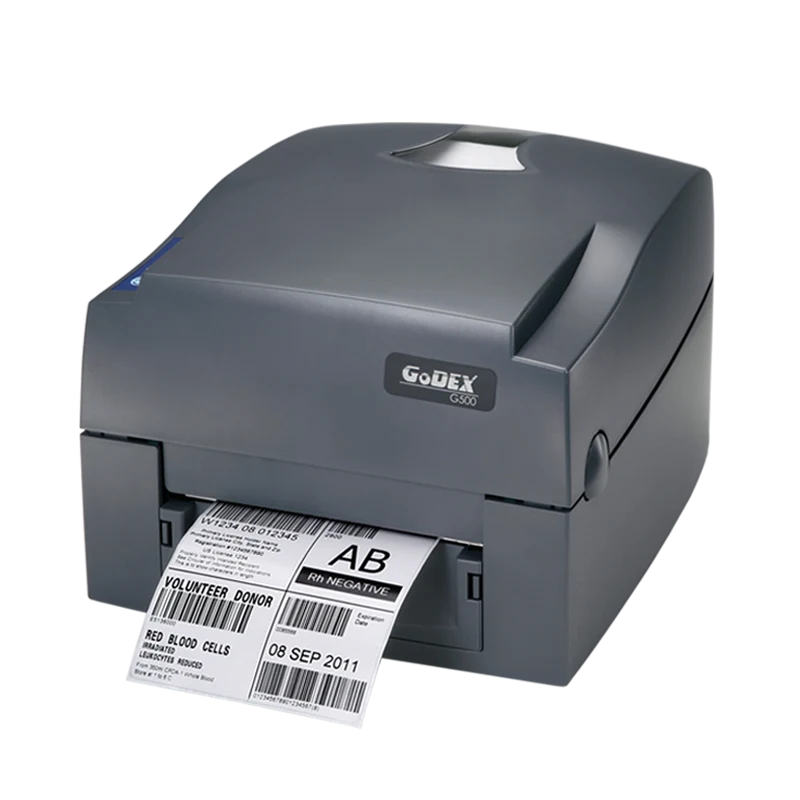
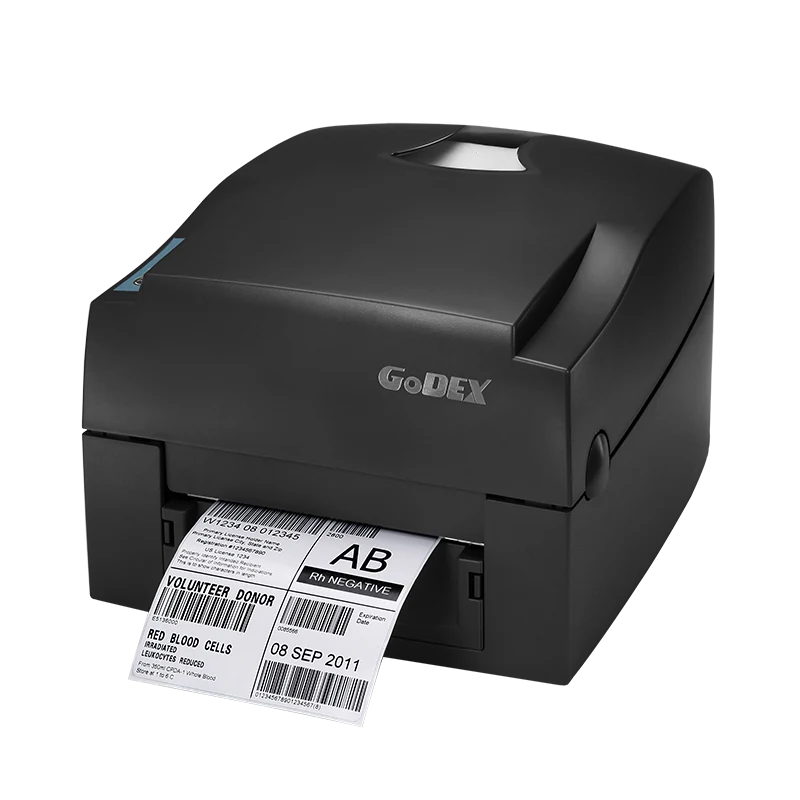
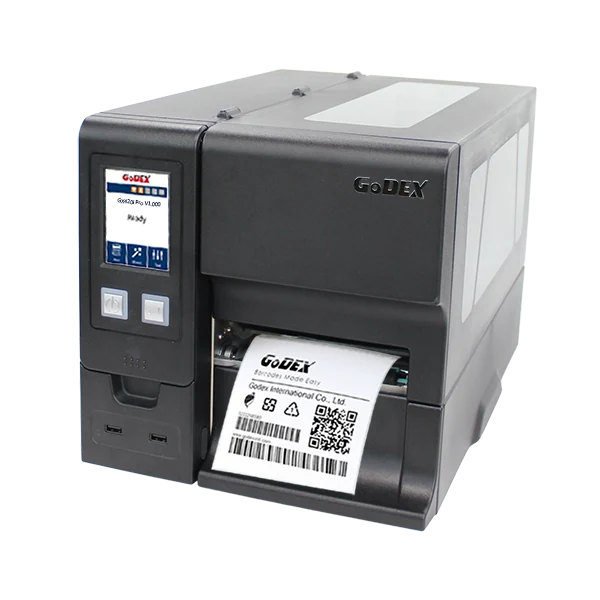
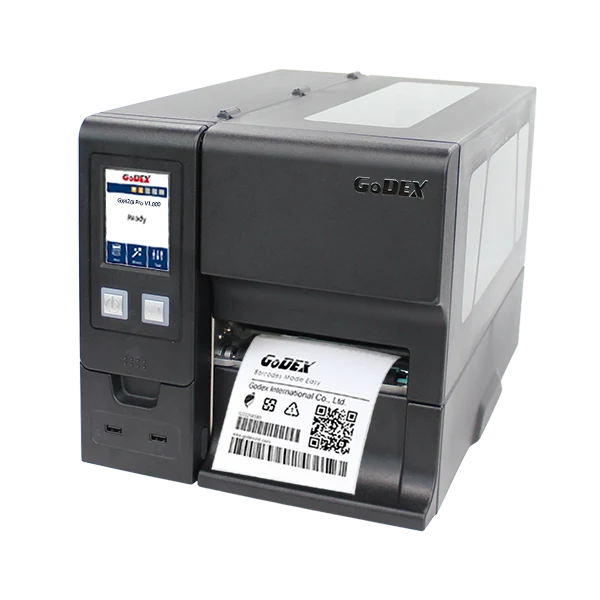
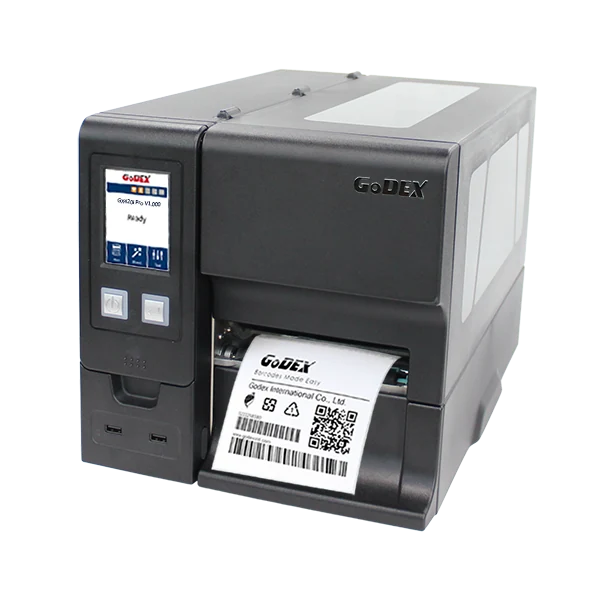
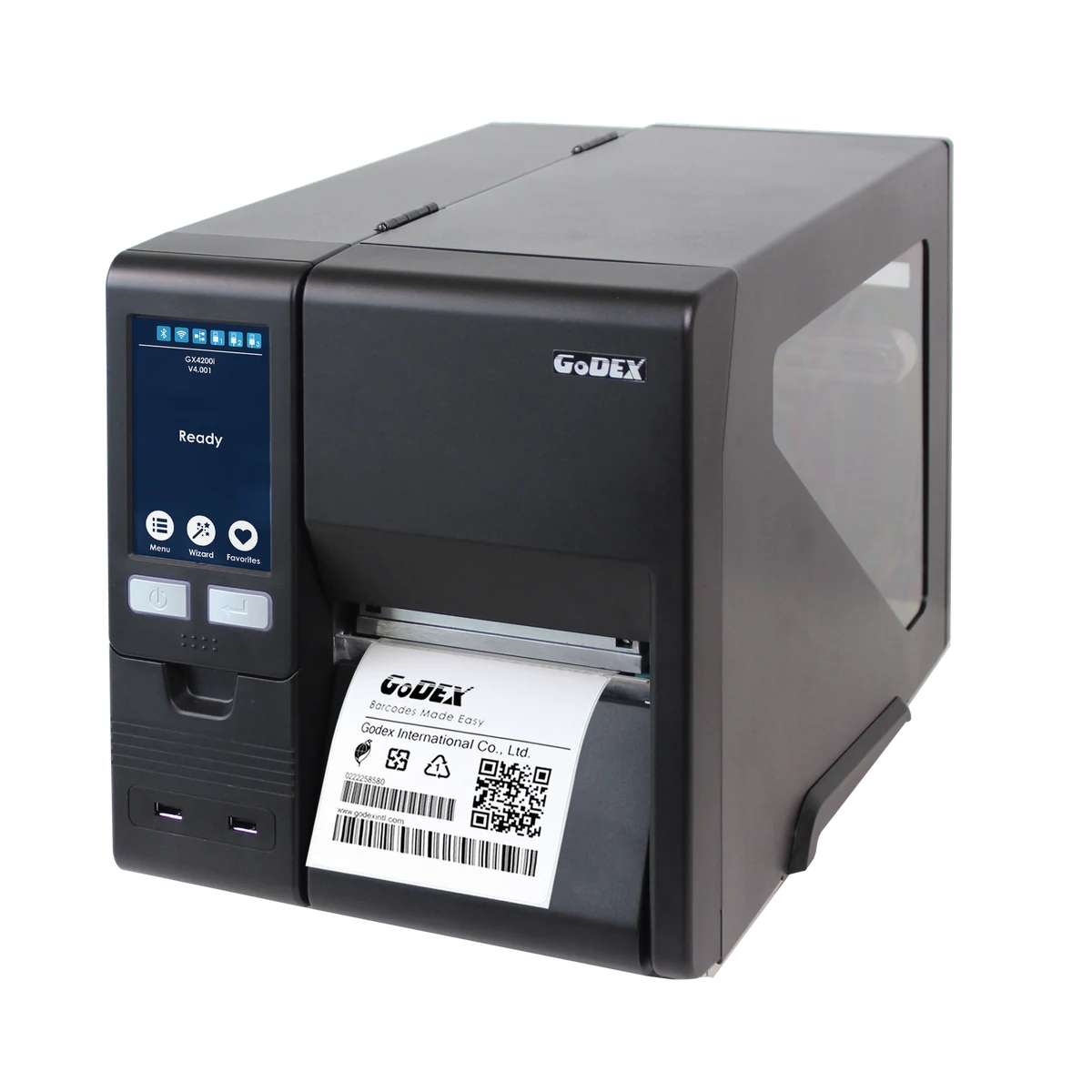
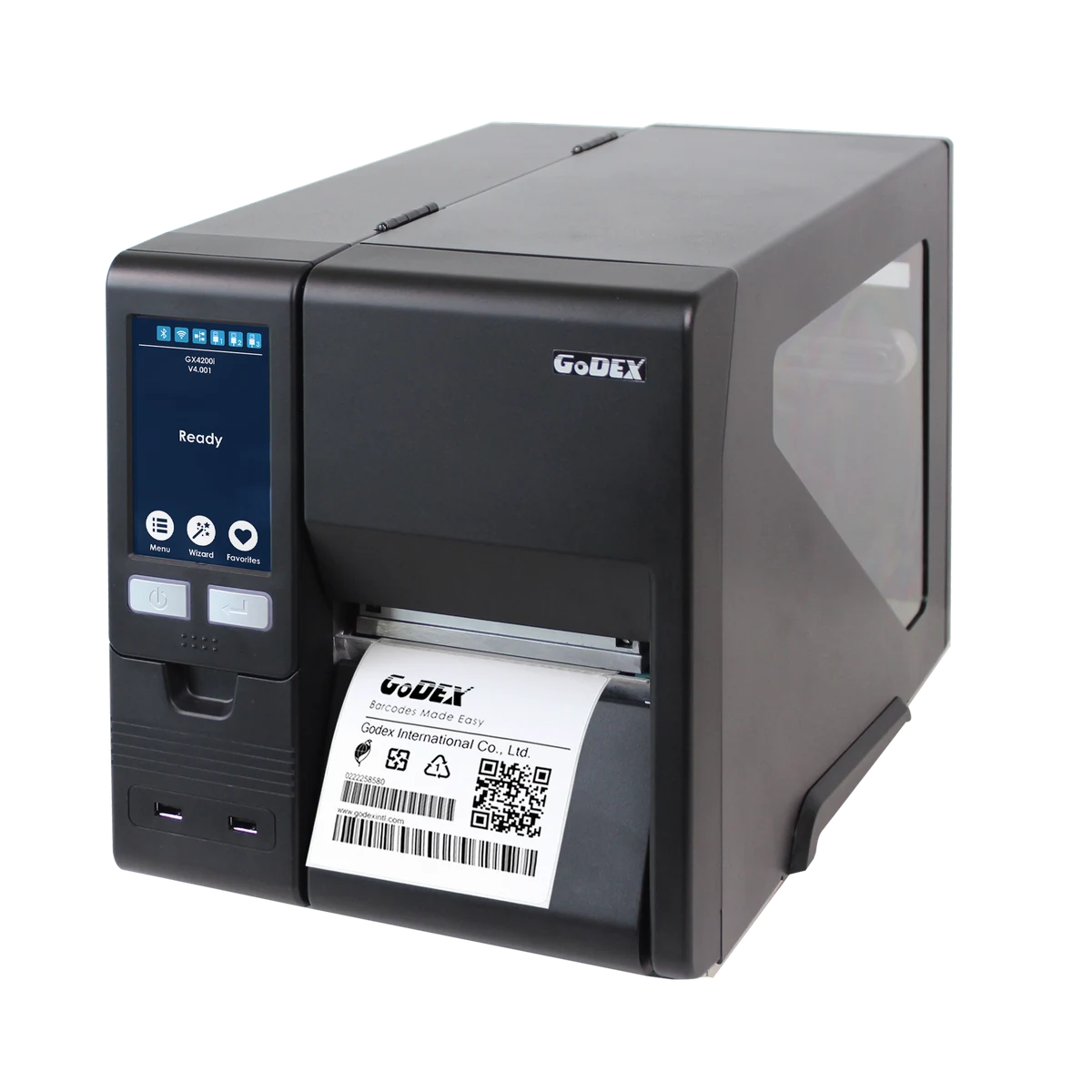
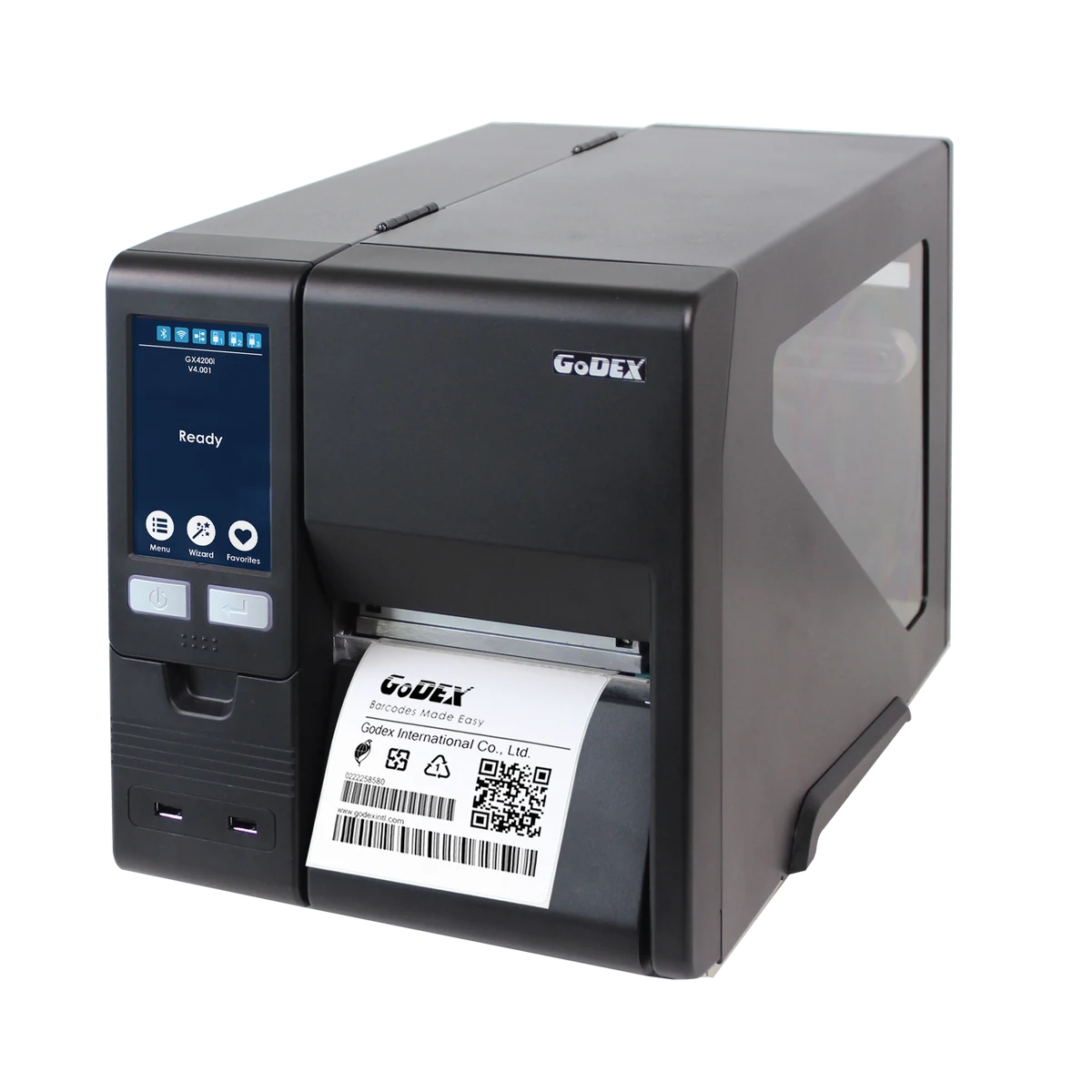
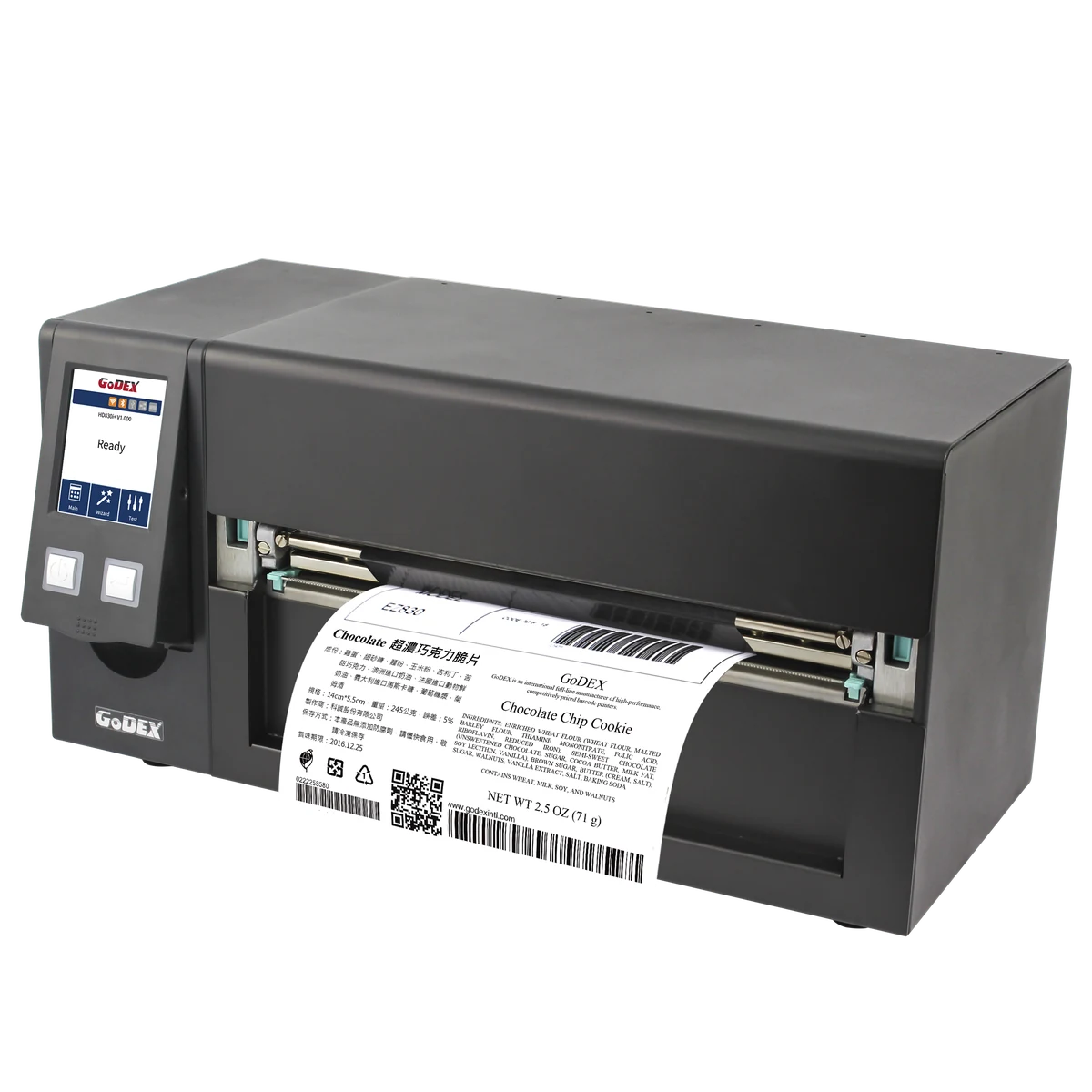
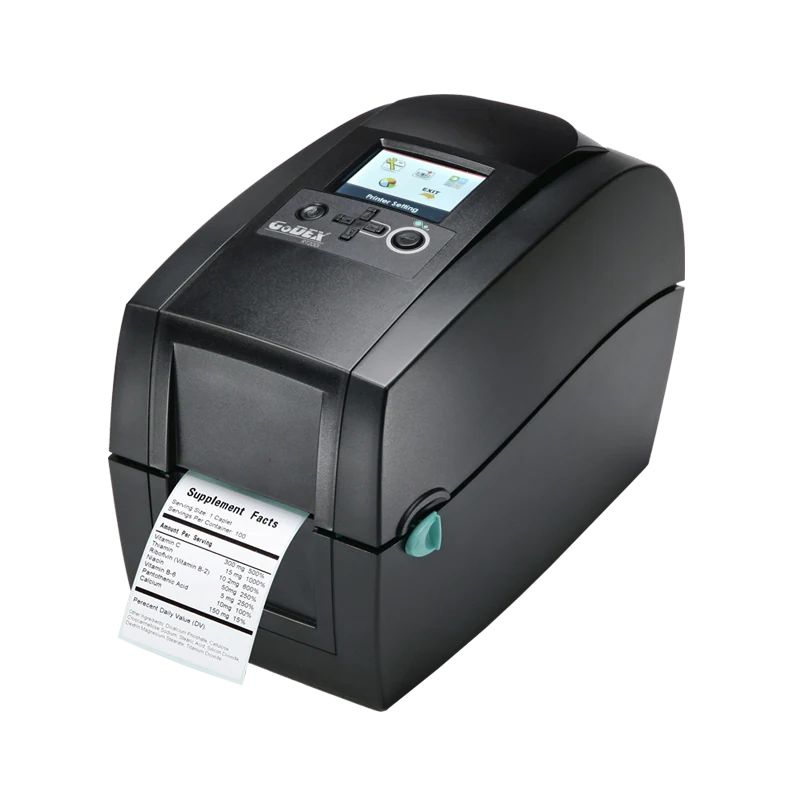
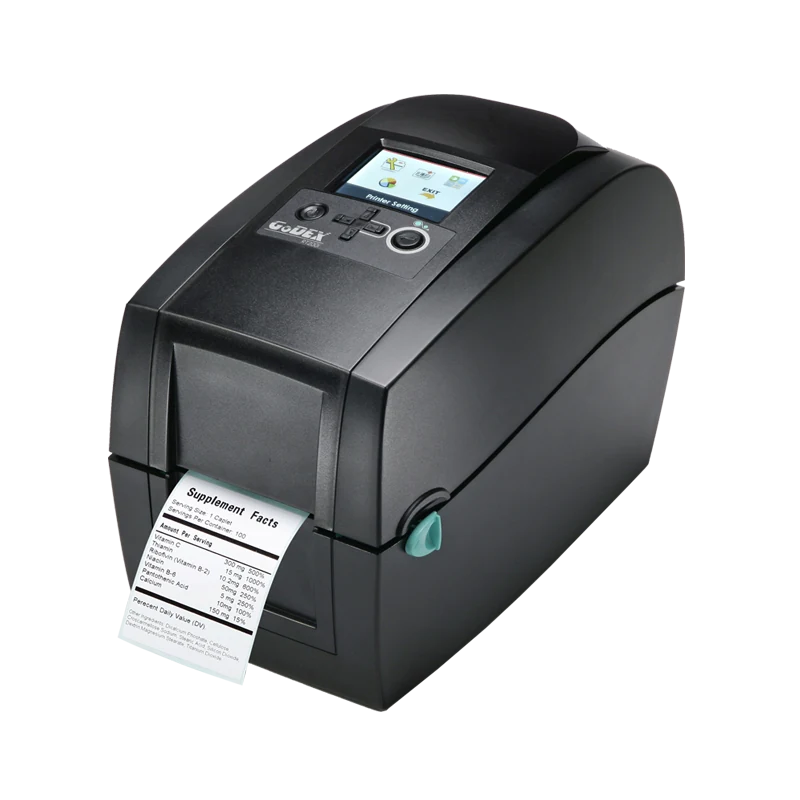
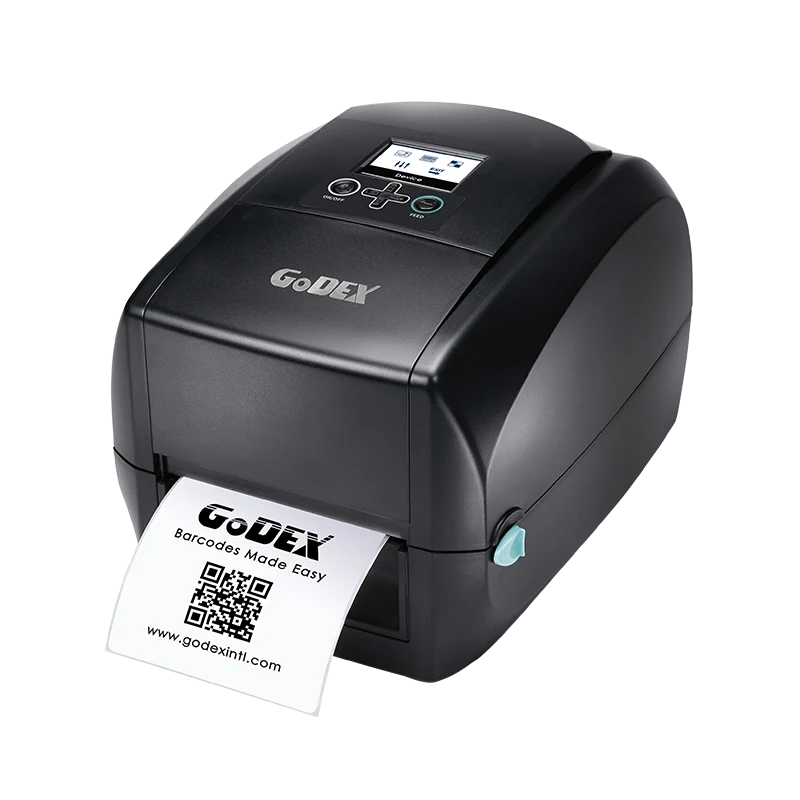
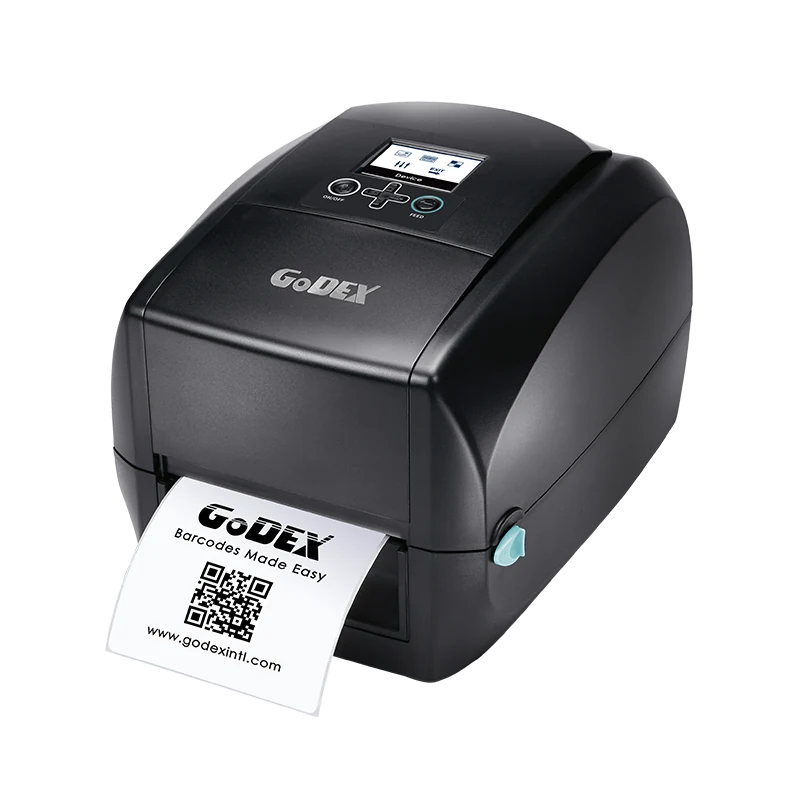
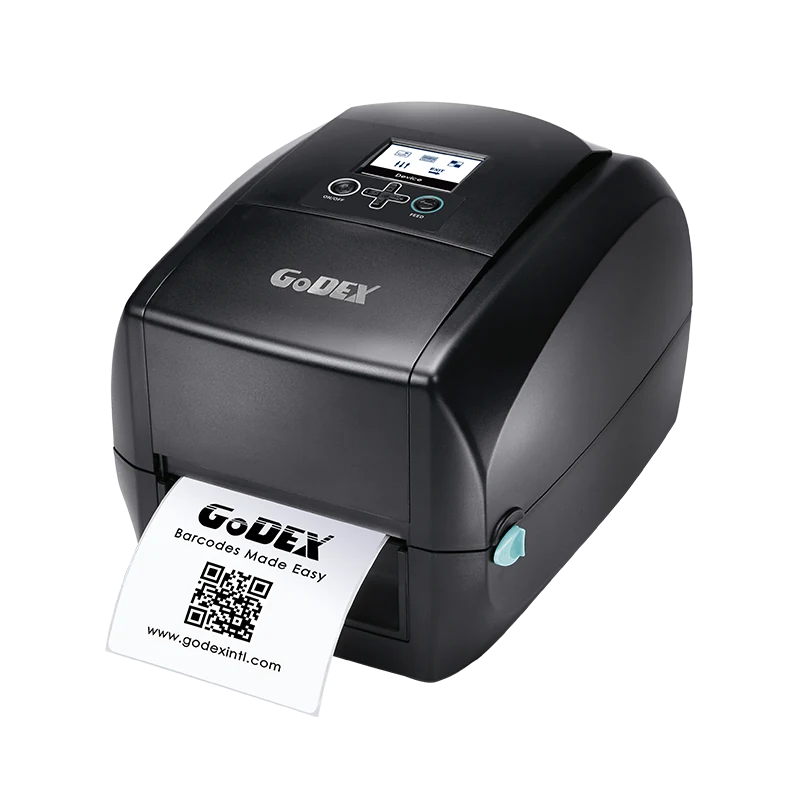
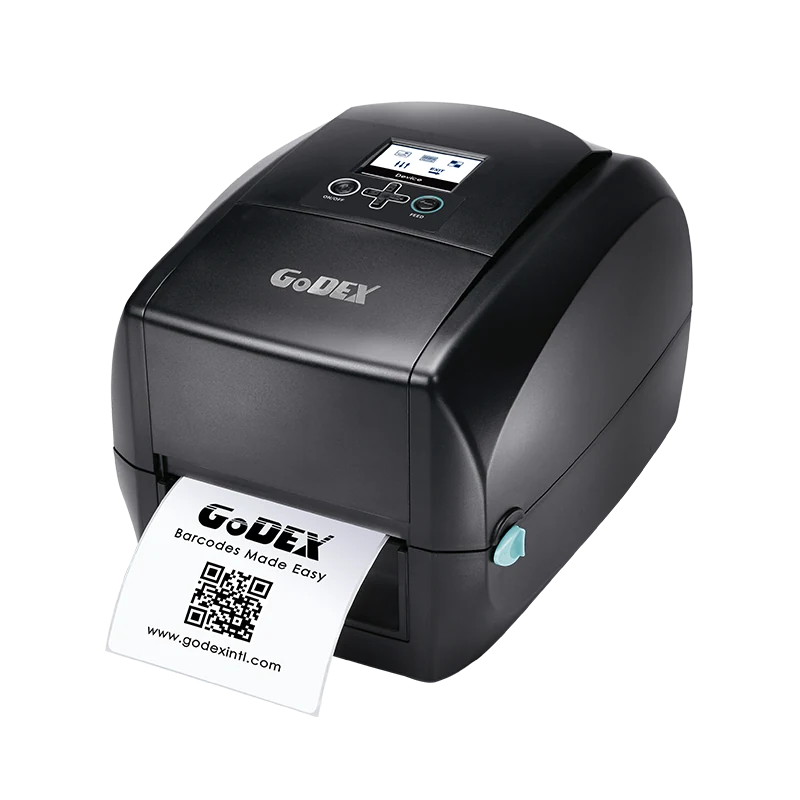
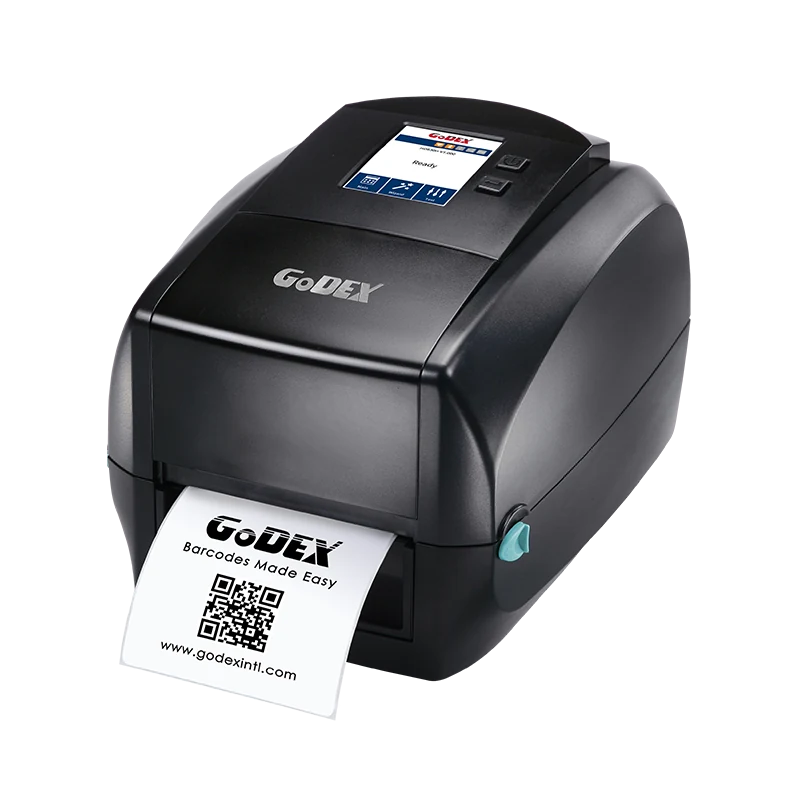
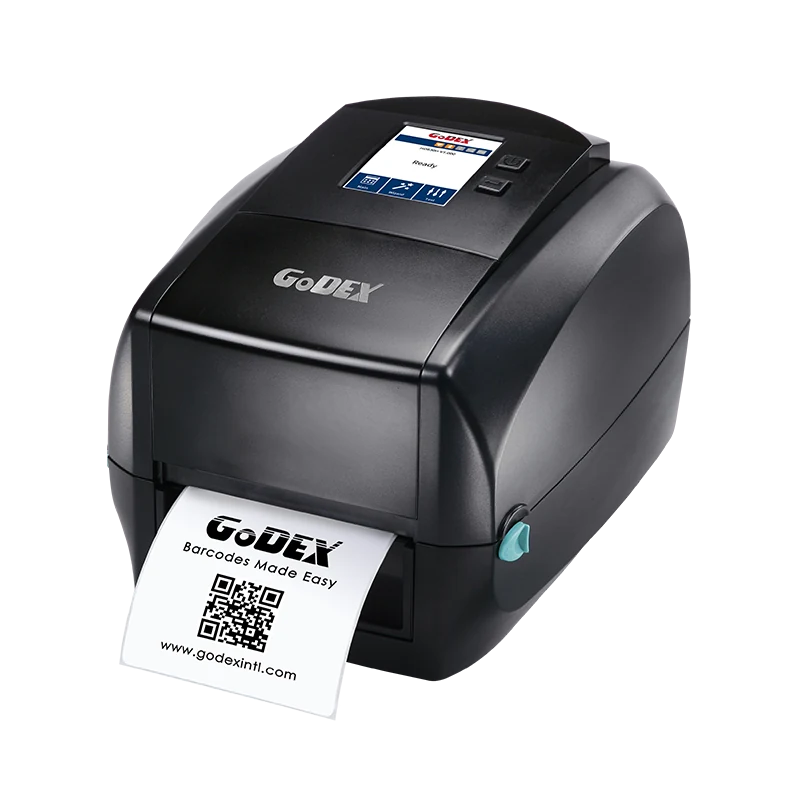
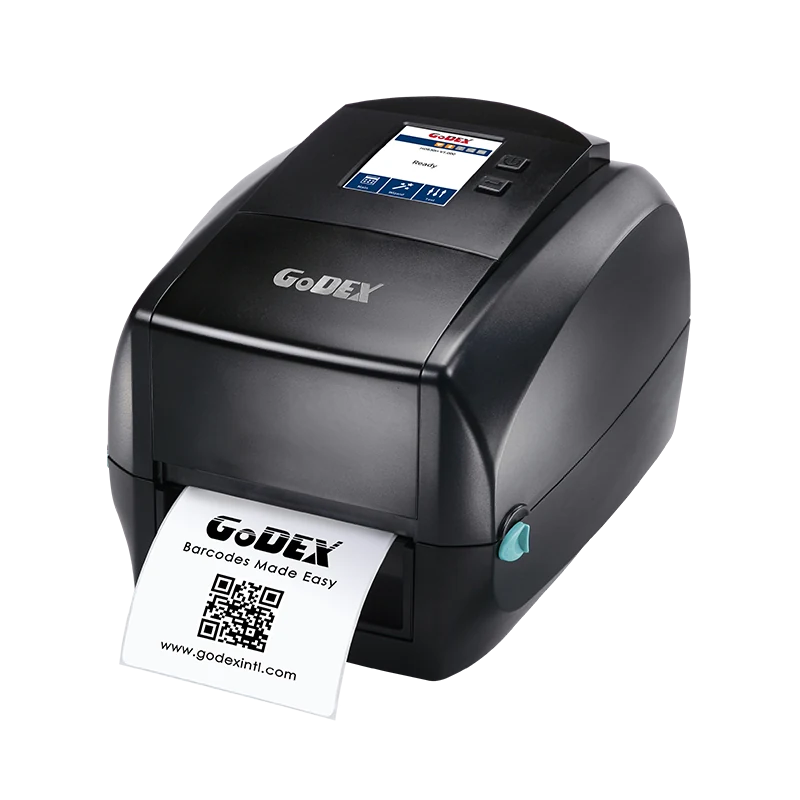
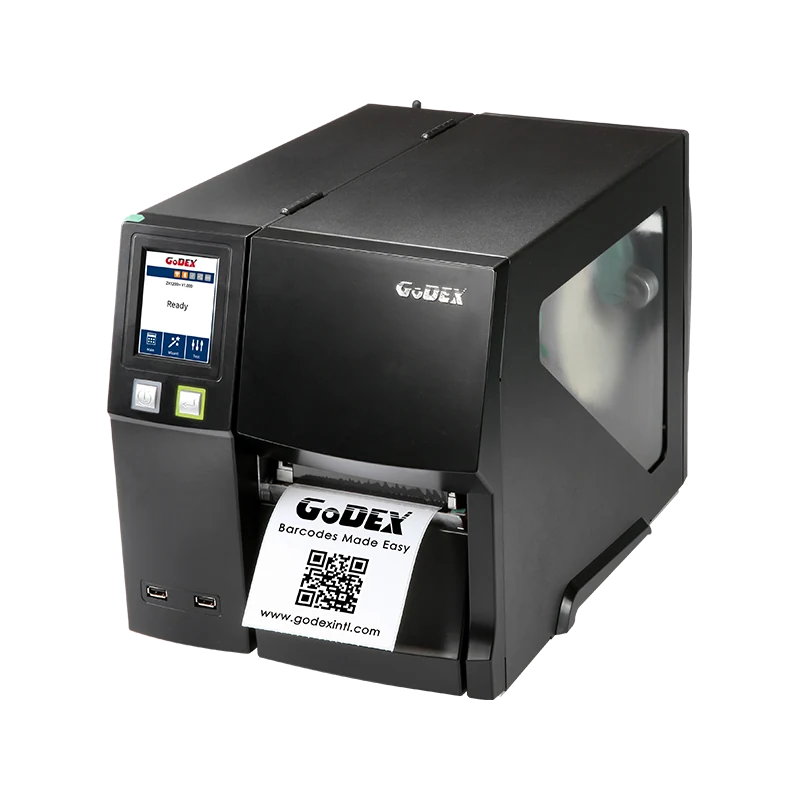
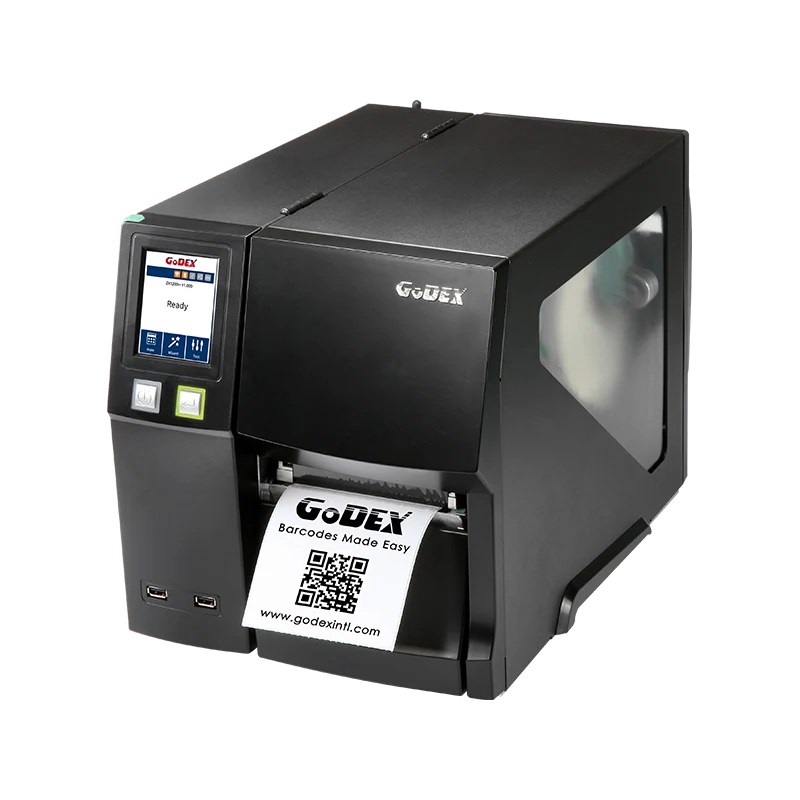
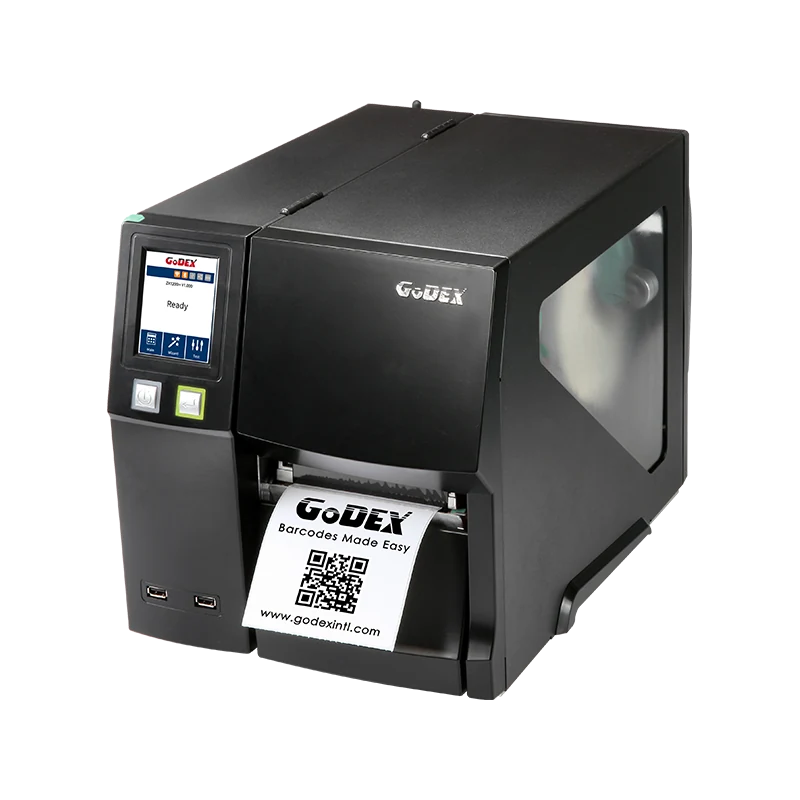
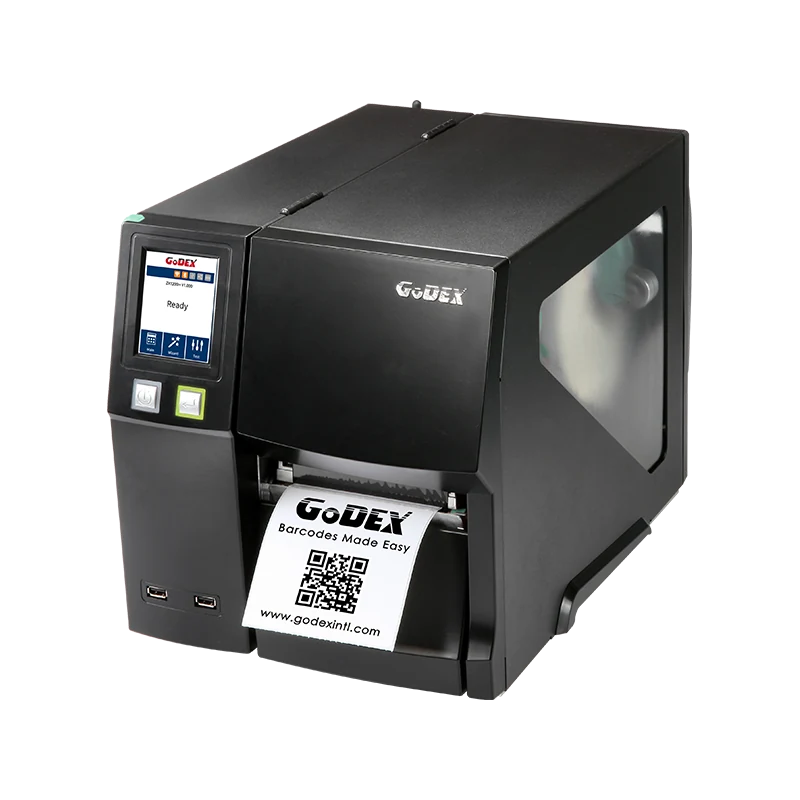
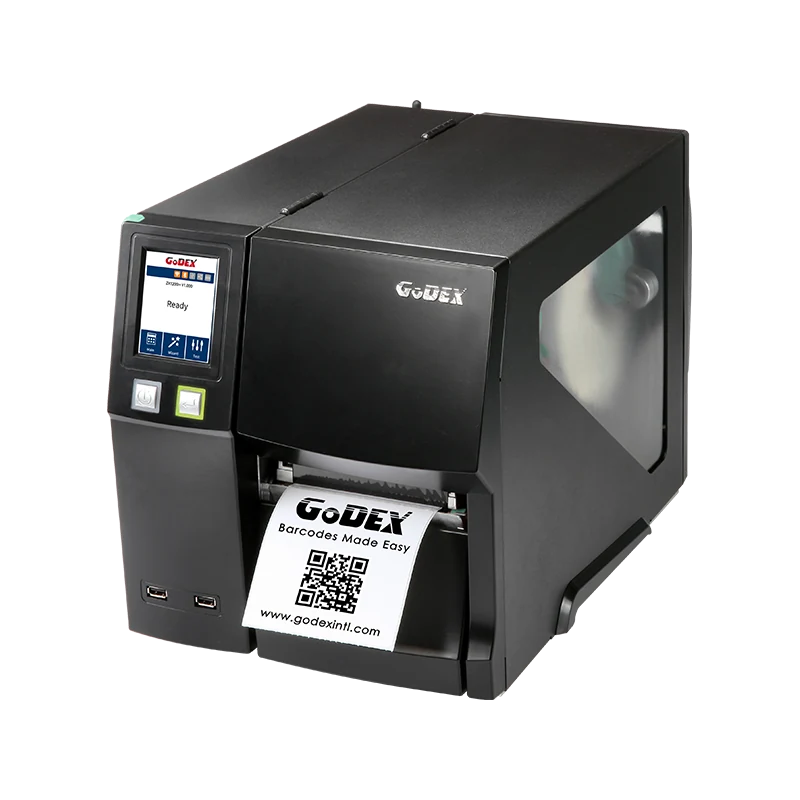
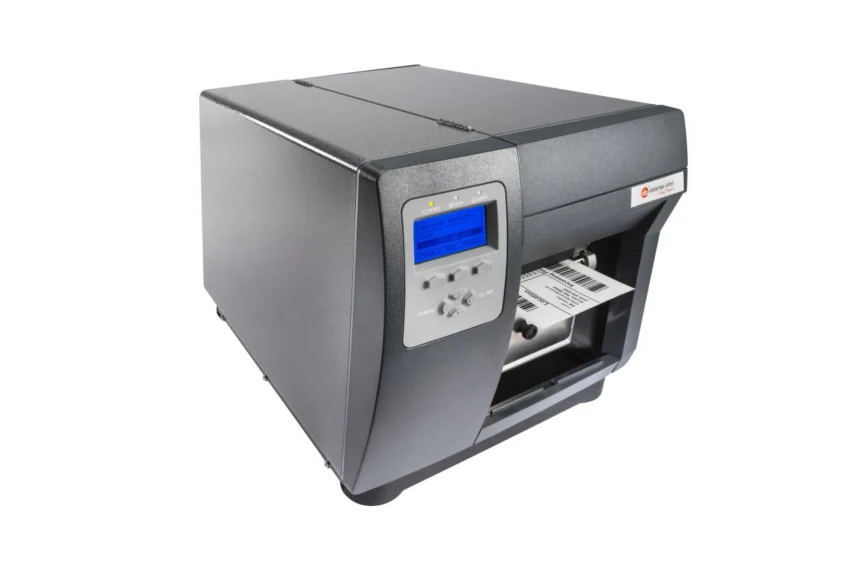

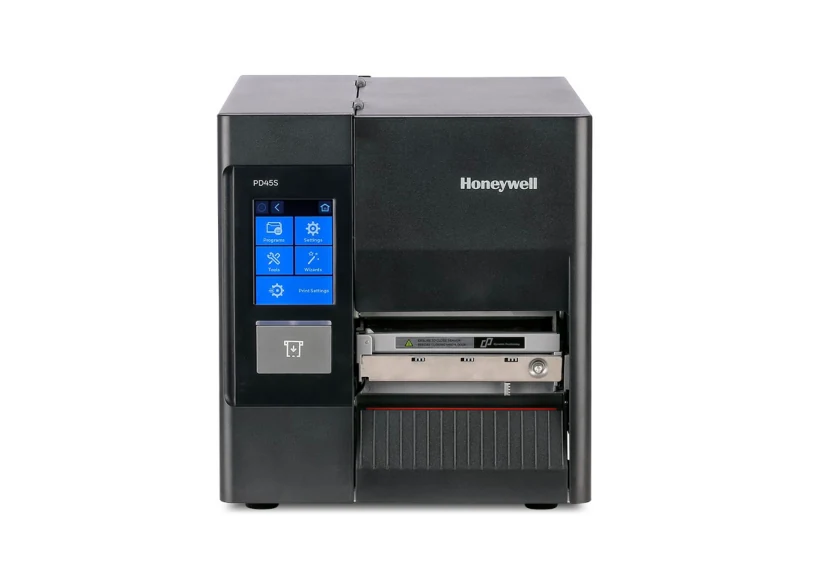
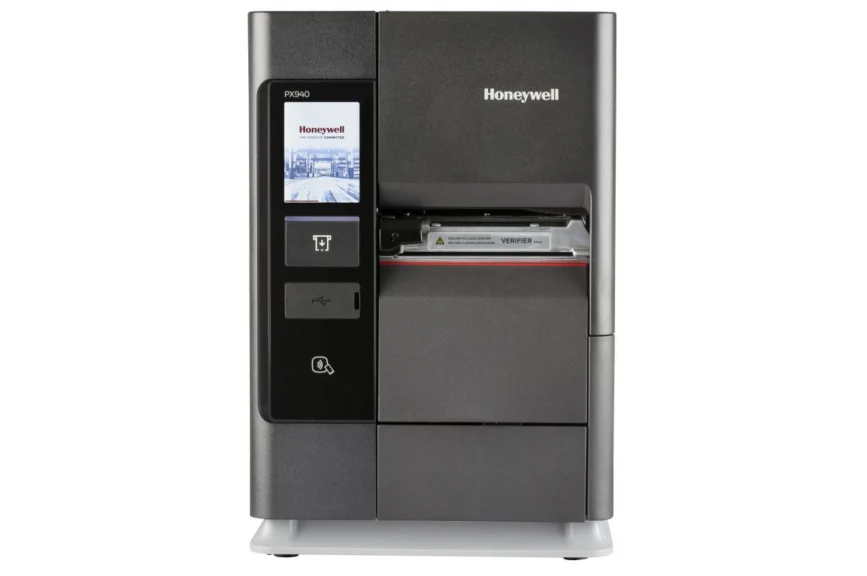

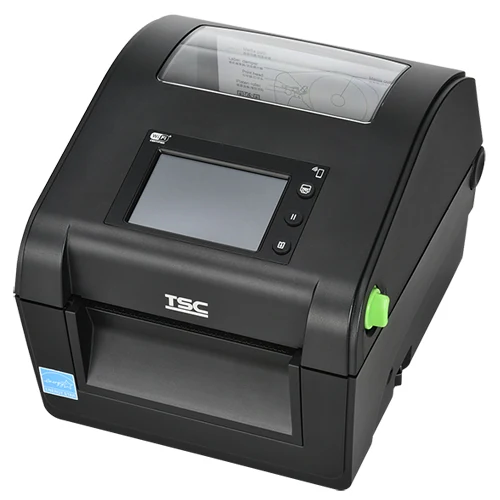
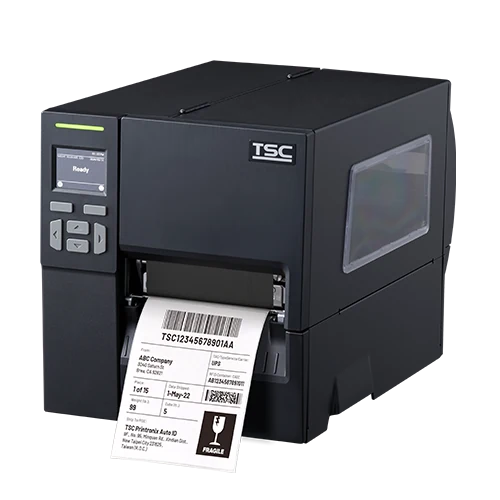
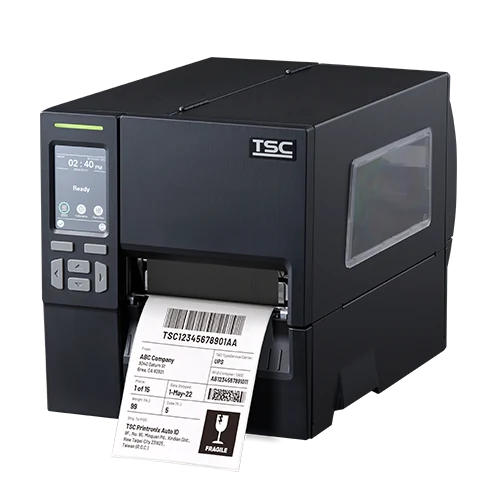
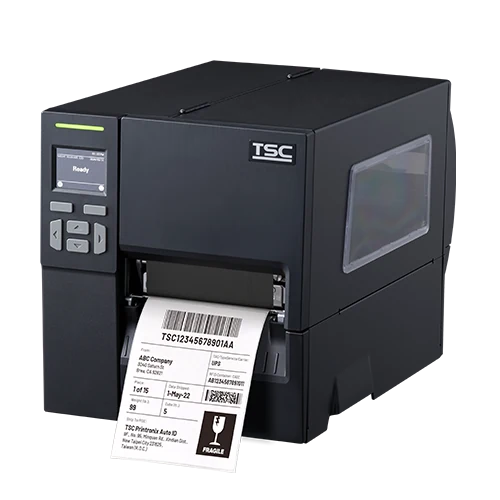
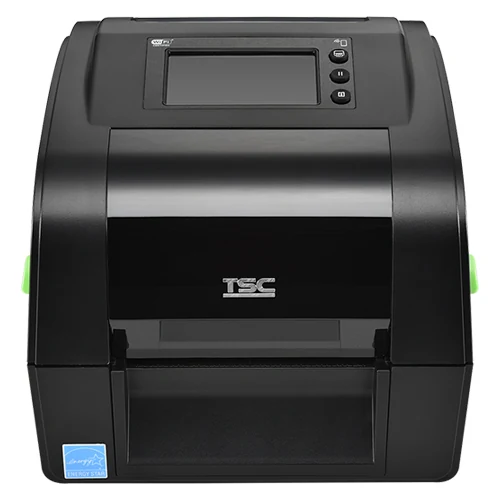
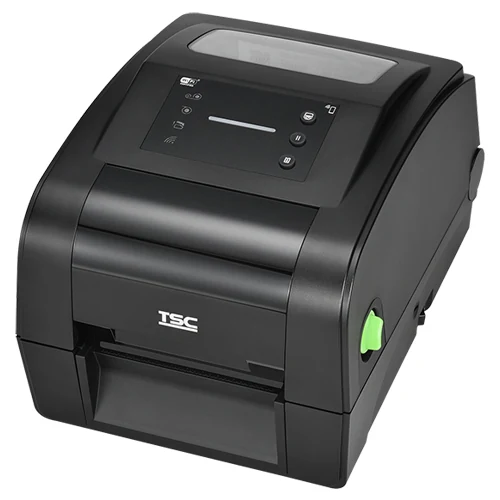
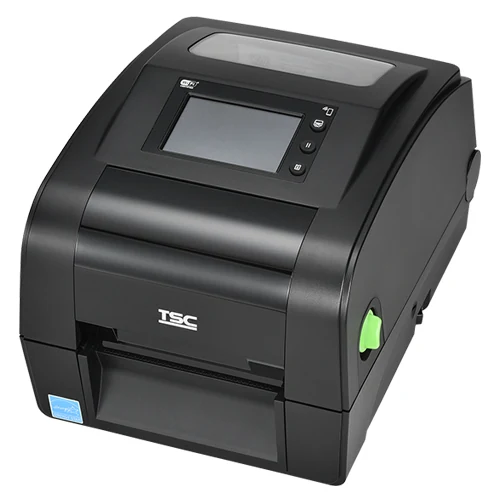
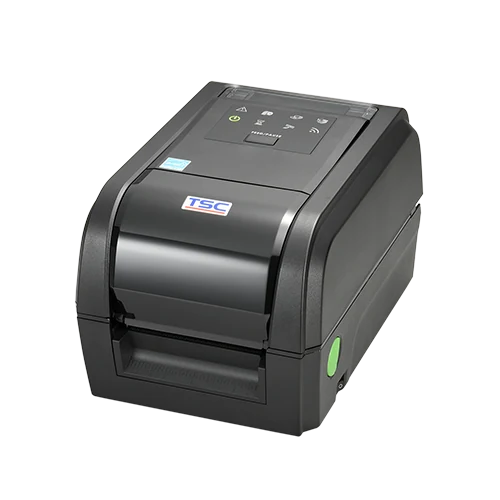
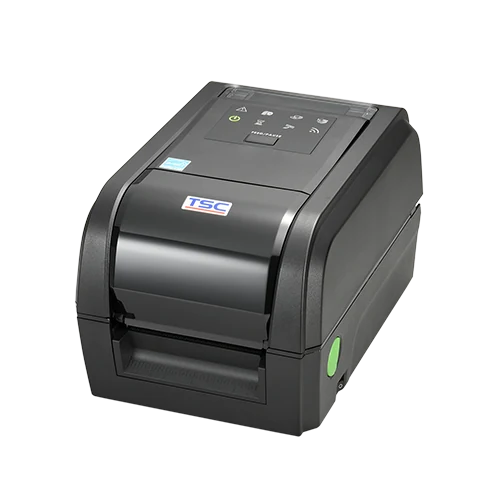
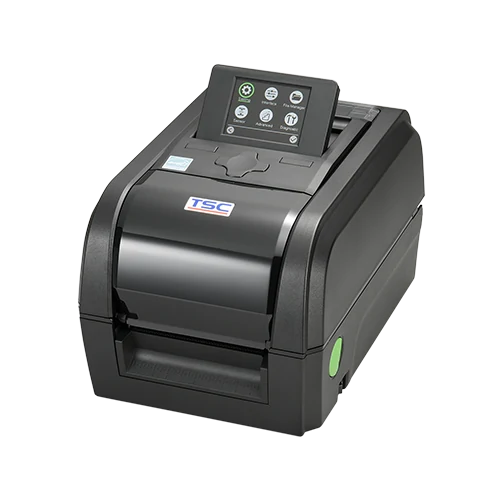
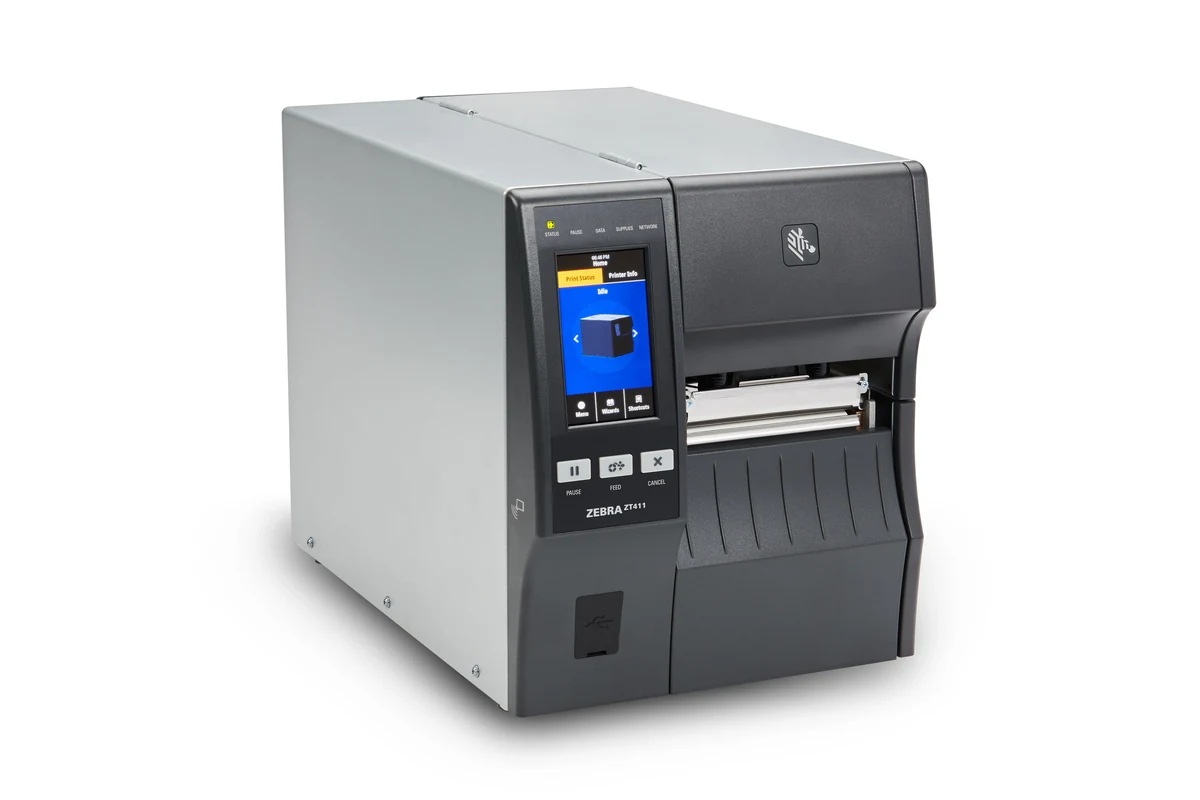

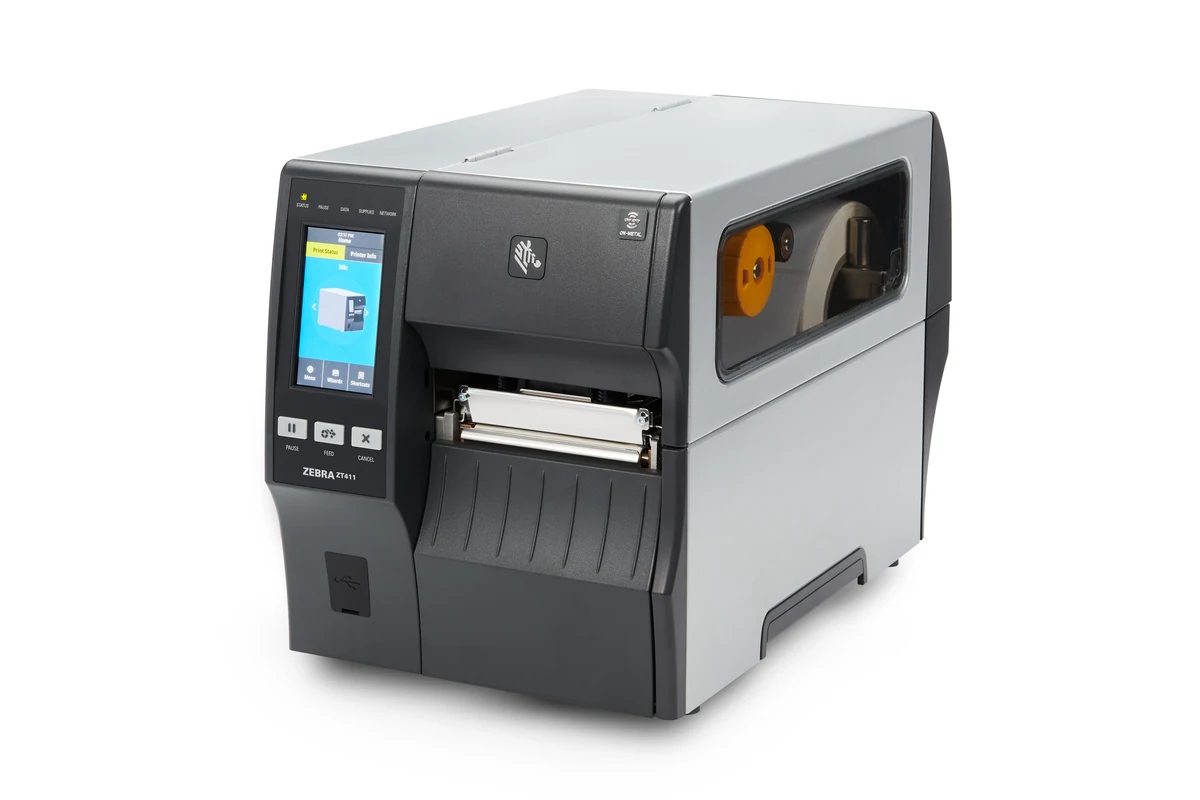
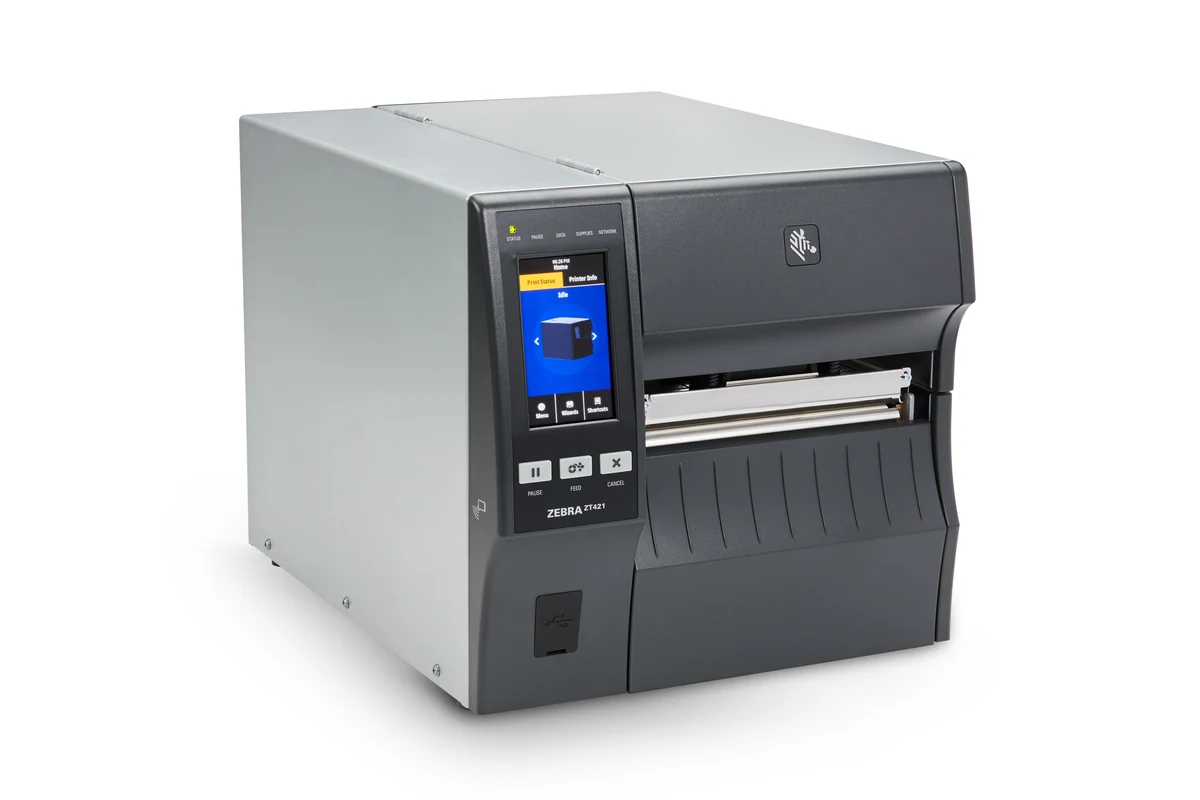
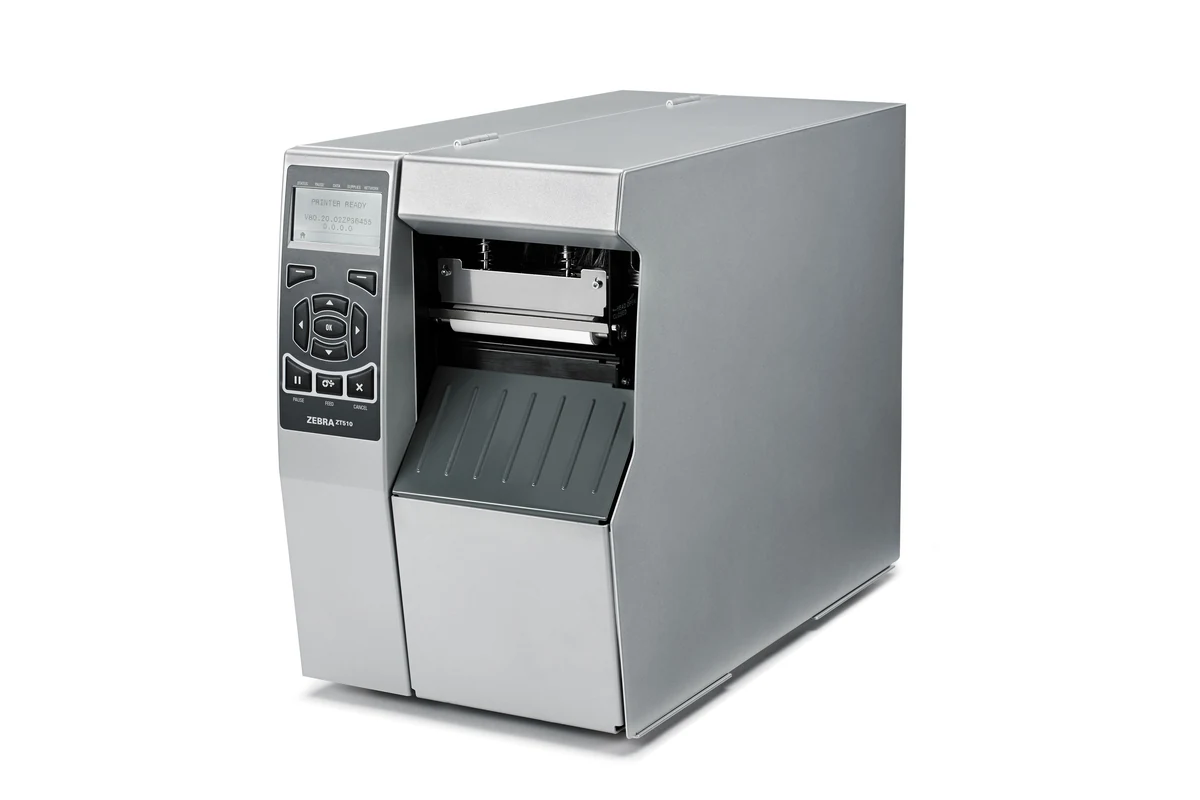
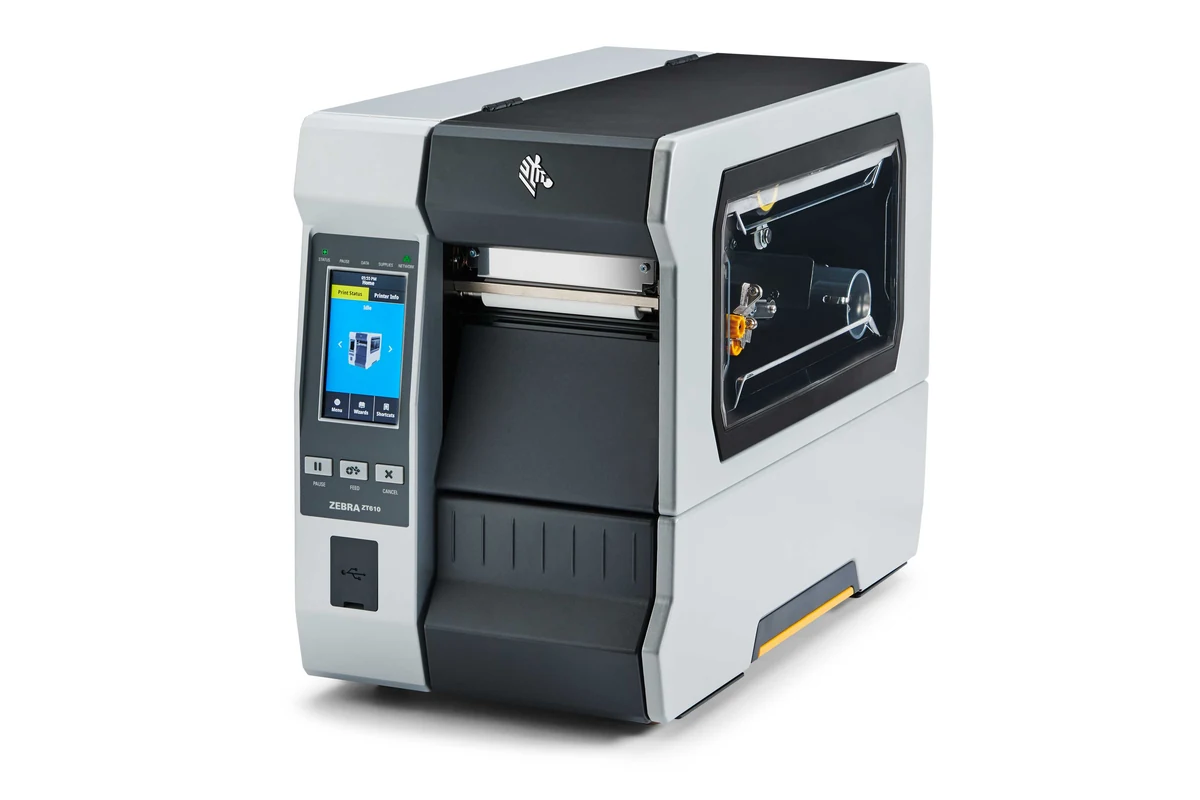
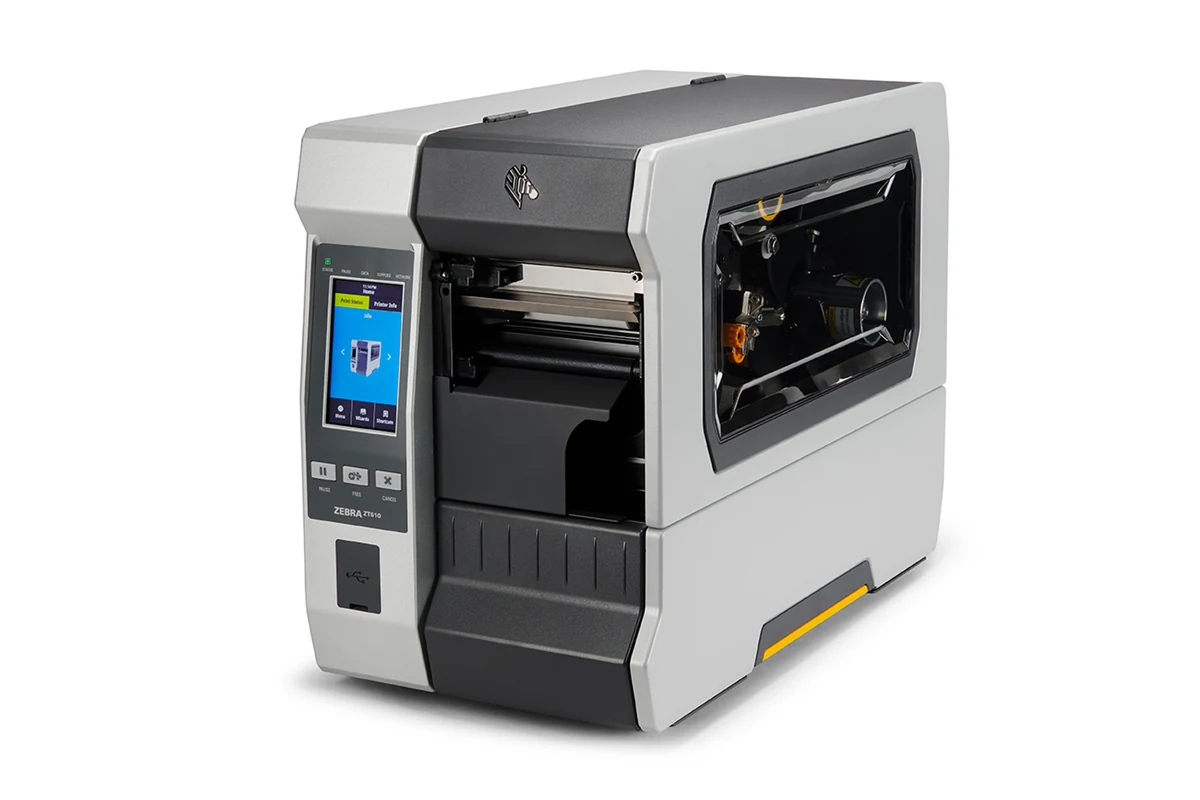
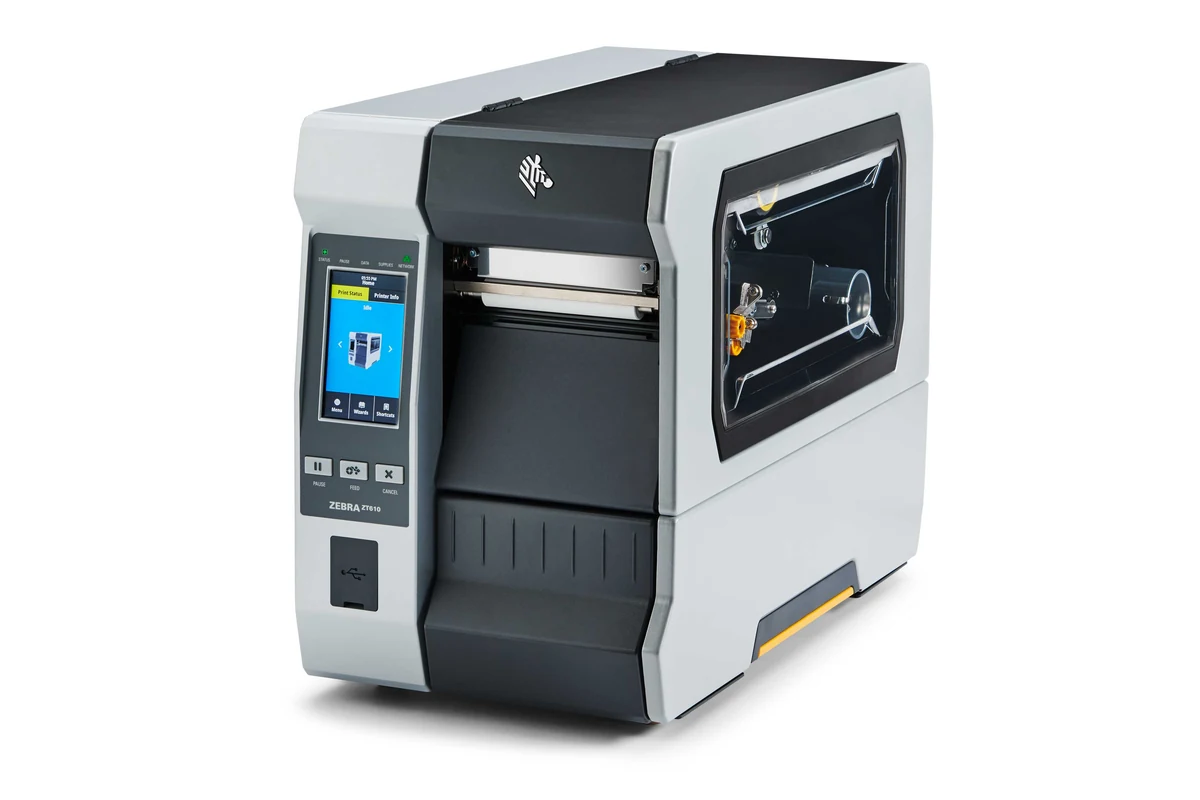
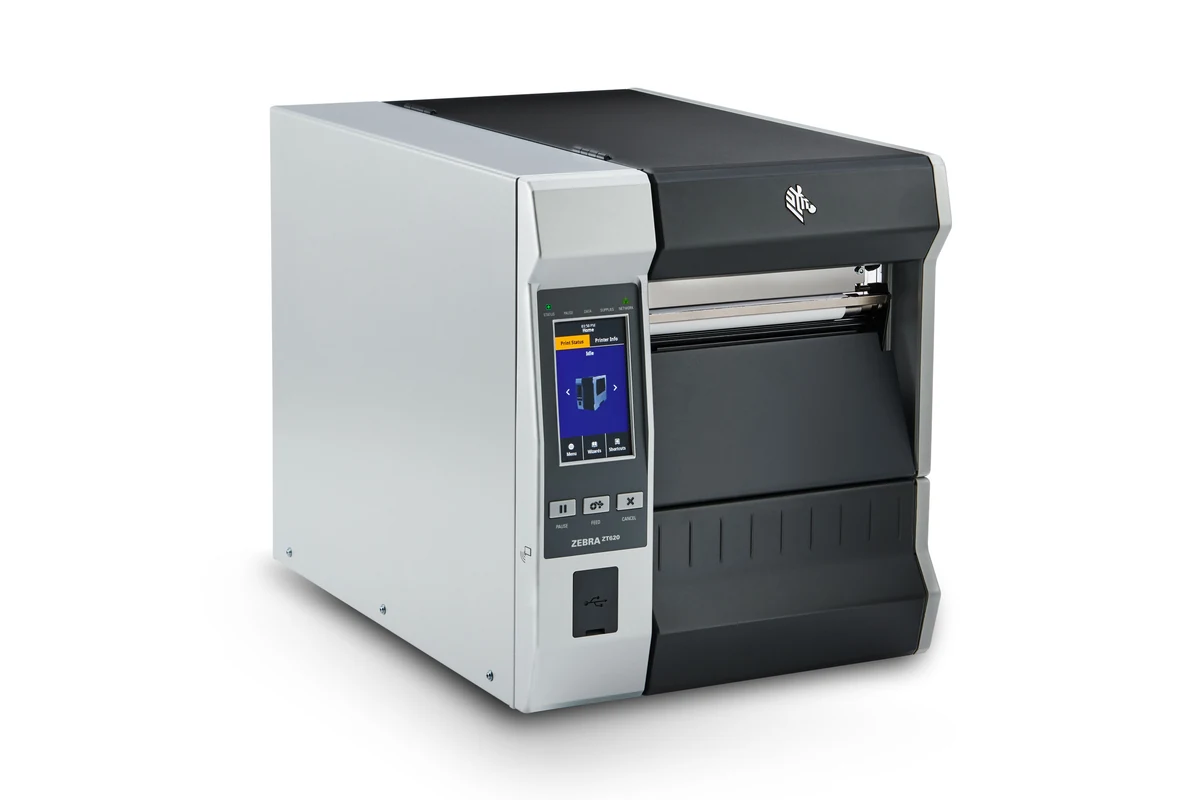
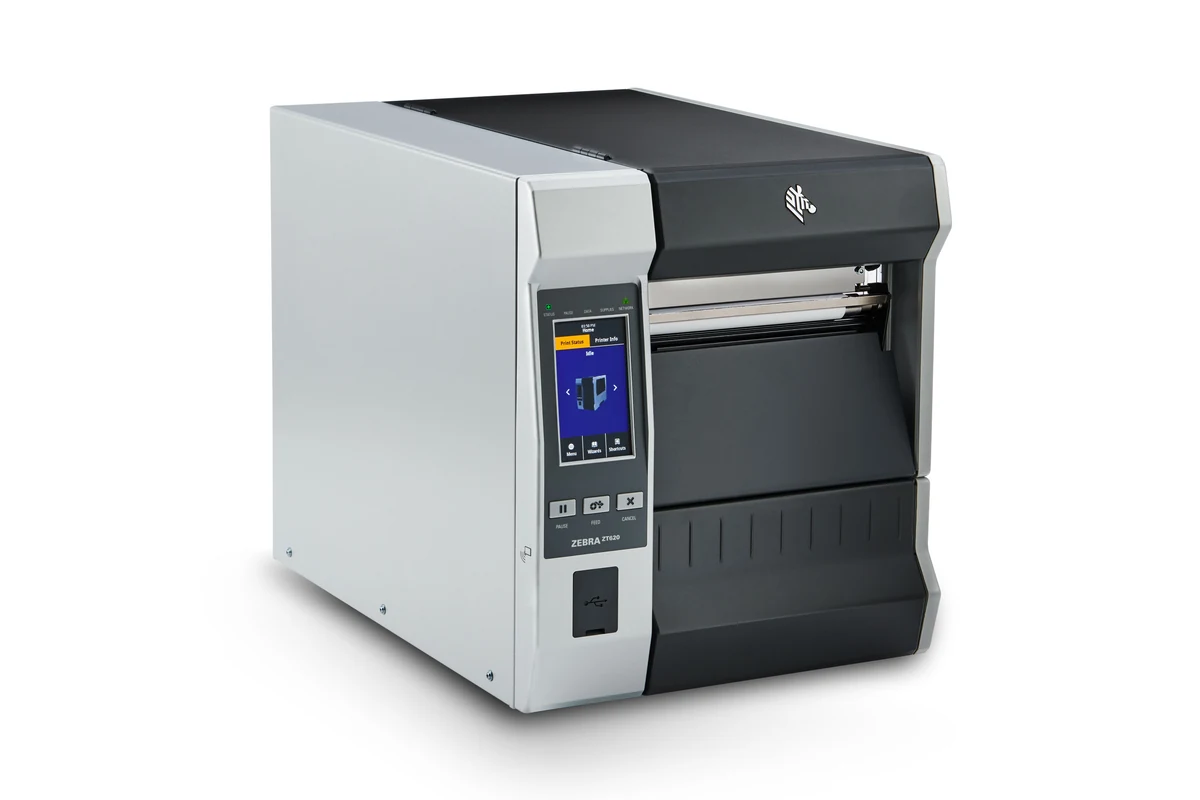
No matching models. Broaden your filters, or ask us directly; you can also ask about models not listed on the site.
Discontinued models (286): recommended replacements, supplies and repair inquiries
- GoDEX BP500L
- GoDEX BP530L
- GoDEX BZB-2
- GoDEX BZB-2U
- GoDEX DT2
- GoDEX DT4
- GoDEX DT4c
- GoDEX DT4xW
- GoDEX DT200
- GoDEX DT200i
- GoDEX DT200iL
- GoDEX DT200L
- GoDEX DT230
- GoDEX DT230i
- GoDEX DT230iL
- GoDEX DT230L
- GoDEX EZ-2
- GoDEX EZ-2C
- GoDEX EZ-2P
- GoDEX EZ-2PC
- GoDEX EZ-2PS
- GoDEX EZ-2S
- GoDEX EZ-4
- GoDEX EZ-4P
- GoDEX EZ-4T
- GoDEX EZ-4TD
- GoDEX EZ-4TDP
- GoDEX EZ-4TKP
- GoDEX EZ-4TKPS
- GoDEX EZ-4TT
- GoDEX EZ-4TTP
- GoDEX EZ-4TTPS
- GoDEX EZ-1000
- GoDEX EZ-1100
- GoDEX EZ-1100Plus
- GoDEX EZ-1105
- GoDEX EZ-1200
- GoDEX EZ-1200Plus
- GoDEX EZ-1300
- GoDEX EZ-1300Plus
- GoDEX EZ-1305
- GoDEX EZ-2100
- GoDEX EZ-2100Plus
- GoDEX EZ-2200
- GoDEX EZ-2200Plus
- GoDEX EZ-2300
- GoDEX EZ-2300Plus
- GoDEX EZ-4206
- GoDEX EZ-4236
- GoDEX EZ-4304
- GoDEX EZ-DT-2
- GoDEX EZ-DT-4
- GoDEX EZ530
- GoDEX EZ720
- GoDEX EZ2050
- GoDEX EZ2150
- GoDEX EZ6200Plus
- GoDEX EZ6300Plus
- GoDEX EZgo C4
- GoDEX EZPi1200
- GoDEX EZPi1300
- GoDEX G300
- GoDEX G330
- GoDEX G525
- GoDEX G535
- GoDEX HD90
- GoDEX HD830i
- GoDEX RT700
- GoDEX RT700i
- GoDEX RT700iW
- GoDEX RT700x
- GoDEX RT730
- GoDEX RT730i
- GoDEX RT730iW
- GoDEX RT730x
- GoDEX RT823i
- GoDEX RT833i
- GoDEX RT860i
- GoDEX RT863i
- GoDEX ZA
- GoDEX ZX420
- GoDEX ZX420i
- GoDEX ZX430
- GoDEX ZX430i
- GoDEX ZX1200i
- GoDEX ZX1200Xi
- GoDEX ZX1300i
- GoDEX ZX1300Xi
- GoDEX ZX1600i
- Honeywell Allegro
- Honeywell Allegro 2
- Honeywell DMX 400
- Honeywell DMX 430
- Honeywell DMX 600
- Honeywell DMX 800
- Honeywell E-3202
- Honeywell E-4205e Mark II
- Honeywell E-4304B Mark III
- Honeywell E-4304e Mark II
- Honeywell EasyCoder 91
- Honeywell EasyCoder 201
- Honeywell EasyCoder 301
- Honeywell EasyCoder 401
- Honeywell EasyCoder 501
- Honeywell EasyCoder 501XP
- Honeywell EasyCoder 601
- Honeywell EasyCoder 601XP
- Honeywell EasyCoder 3400
- Honeywell EasyCoder 3440
- Honeywell EasyCoder 3600
- Honeywell EasyCoder 4000
- Honeywell EasyCoder 4100
- Honeywell EasyCoder 4400
- Honeywell EasyCoder 4420
- Honeywell EasyCoder 4440
- Honeywell EasyCoder C4
- Honeywell EasyCoder E4
- Honeywell EasyCoder F2
- Honeywell EasyCoder F4
- Honeywell EasyCoder PC4
- Honeywell EasyCoder PD4
- Honeywell Ex2
- Honeywell I-4210
- Honeywell M-4208
- Honeywell M-4306
- Honeywell Ovation
- Honeywell Ovation 2
- Honeywell Ovation 3
- Honeywell PC23d
- Honeywell PC42D
- Honeywell PC43D
- Honeywell PC43T
- Honeywell PM42
- Honeywell Prodigy
- Honeywell Prodigy Max
- Honeywell Prodigy Plus
- Honeywell PX4i
- Honeywell PX4ie
- Honeywell PX6i
- Honeywell PX6ie
- Honeywell Titan 6200
- Honeywell W-6208
- Honeywell W-6308
- Honeywell W-8306
- TSC DA200
- TSC DA300
- TSC MB240
- TSC MB240T
- TSC MB340
- TSC MB340T
- TSC ME240
- TSC ME340
- TSC MH240
- TSC MH340
- TSC MH640
- TSC ML240
- TSC ML240P
- TSC ML340
- TSC ML340P
- TSC MX240
- TSC MX240P
- TSC MX340
- TSC MX340P
- TSC MX640
- TSC MX640P
- TSC T400
- TSC T600
- TSC TA200
- TSC TA210
- TSC TA300
- TSC TA310
- TSC TC200
- TSC TC300
- TSC TDP-244
- TSC TDP-245
- TSC TDP-245 Plus
- TSC TDP-247
- TSC TDP-345
- TSC TDP-643 Plus
- TSC TTP-243
- TSC TTP-243 Pro
- TSC TTP-243E Pro
- TSC TTP-243M
- TSC TTP-244
- TSC TTP-244 Plus
- TSC TTP-244 Pro
- TSC TTP-244CE
- TSC TTP-244M Pro
- TSC TTP-244ME Plus
- TSC TTP-244ME Pro
- TSC TTP-245
- TSC TTP-245 Plus
- TSC TTP-245C
- TSC TTP-246M
- TSC TTP-246M Plus
- TSC TTP-246M Pro
- TSC TTP-247
- TSC TTP-248M
- TSC TTP-268M
- TSC TTP-342 Pro
- TSC TTP-342M Plus
- TSC TTP-342M Pro
- TSC TTP-342ME Pro
- TSC TTP-343 Plus
- TSC TTP-343C
- TSC TTP-344M
- TSC TTP-344M Plus
- TSC TTP-344M Pro
- TSC TTP-345
- TSC TTP-346M
- TSC TTP-346M Pro
- TSC TTP-346MT
- TSC TTP-346MU
- TSC TTP-366M
- TSC TTP-368MT
- TSC TTP-384M
- TSC TTP-644M
- TSC TTP-644M Pro
- TSC TTP-644MT
- TSC TTP-644MU
- TSC TTP-2410M
- TSC TTP-2410M Pro
- TSC TTP-2410MT
- TSC TTP-2410MU
- TSC TTP-2610MT
- TSC TX200
- TSC TX300
- TSC TX600
- Zebra 90XiIII
- Zebra 90XiIIIPlus
- Zebra 96XiIII
- Zebra 96XiIIIPlus
- Zebra 105SL
- Zebra 105SLPlus
- Zebra 110Xi4
- Zebra 110XiIIIPlus
- Zebra 140Xi4
- Zebra 140XiIIIPlus
- Zebra 170Xi4
- Zebra 170XiIIIPlus
- Zebra 220Xi4
- Zebra 220XiIII
- Zebra 220XiIIIPlus
- Zebra 2746e
- Zebra CPM 2030
- Zebra GC420d
- Zebra GC420t
- Zebra GK420d
- Zebra GK420t
- Zebra GT800
- Zebra GX420d
- Zebra GX420t
- Zebra GX430d
- Zebra GX430t
- Zebra H 2824-Z
- Zebra LP 2824
- Zebra LP 2824 Plus
- Zebra LP 2824-Z
- Zebra LP 2844
- Zebra LP 2844-Z
- Zebra R402
- Zebra S4M
- Zebra S400
- Zebra S600
- Zebra TLP 2824
- Zebra TLP 2824 Plus
- Zebra TLP 2844
- Zebra TLP 2844-Z
- Zebra TLP 3842
- Zebra TLP 3844-Z
- Zebra TLP2824-Z
- Zebra Z4M
- Zebra Z4Mplus
- Zebra Z6M
- Zebra Z6Mplus
- Zebra ZD410
- Zebra ZD420 Direct Thermal
- Zebra ZD420 Ribbon Cartridge
- Zebra ZD420 Thermal Transfer
- Zebra ZD500
- Zebra ZD620 Direct Thermal
- Zebra ZD620 Thermal Transfer
- Zebra ZM400
- Zebra ZM600
- Zebra ZT410
- Zebra ZT420
How to choose a barcode printer
Desktop models suit offices, shops and shipping at up to a few hundred labels a day; industrial models have metal bodies for long continuous runs on production lines and in warehouses. 203 dpi is enough for ordinary barcodes; 300 dpi is recommended for small labels, small text or QR Codes, and 600 dpi is worth considering for tiny labels such as electronic components.
For short-term labels such as shipping labels, direct thermal (no ribbon) is fine; for scratch resistance, durability, or printing on PET or synthetic paper, choose thermal transfer with a suitable ribbon.
Not sure? Answer a few questions and we will help you pick →
FAQ
Are "barcode machines", "label machines" and barcode printers different?
In Taiwan these terms usually mean the same thing: printers that print labels by direct thermal or thermal transfer. "Label machine" sometimes also means a handheld text label maker, which is not suited to printing barcode labels in volume.
Direct thermal or thermal transfer — which to choose?
Direct thermal needs no ribbon and is simple, but labels are sensitive to heat and light and fade over time — good for shipping labels. Thermal transfer needs a ribbon and gives scratch-resistant, durable prints — good for product, asset and long-life labels. Many models support both.
What is the difference between 203 dpi and 300 dpi?
dpi is dots per inch. 203 dpi prints ordinary barcodes and text clearly; for small labels, small text, QR Codes or other 2D barcodes, 300 dpi is sharper and scans more easily.
Can I use other brands' labels and ribbons?
Yes. Labels and ribbons follow standard specifications — as long as the width, core, outer diameter and coated side match, they will work; you do not have to buy the manufacturer's supplies.