Direct Thermal vs Thermal Transfer: Choosing a Print Method
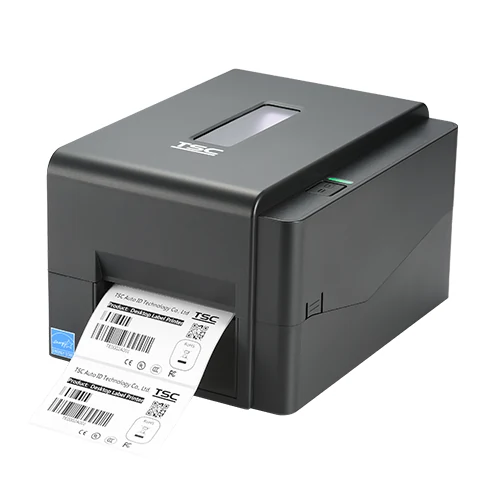
Barcode printers print in two ways: direct thermal heats thermal paper directly, while thermal transfer uses a ribbon to transfer ink onto the label. Choosing wrong leads to blank prints or text that fades quickly, so understand this before buying supplies.
Direct thermal
No ribbon: the printhead heats thermal paper directly to turn it black. It is simple — you only buy labels — but the print is sensitive to heat, light and rubbing and fades over time or in sunlight.
- Good for: shipping labels, logistics labels and short-term labels
- Not suitable for: labels that must last long, face rubbing, or go outdoors or into high heat
Thermal transfer
The printhead heats a ribbon to transfer ink onto the label. You need to buy ribbons too, but prints last longer and resist scratching, and you can print on coated paper, synthetic paper, PET and many other materials.
- Good for: product labels, part numbers, asset labels, and labels that must last or face harsh conditions
- Note: the ribbon type (wax, wax-resin, resin) must match the label material
How do I know which type my printer is?
- A ribbon roll is installed → you are using thermal transfer
- No ribbon and the labels are thermal paper → direct thermal
- Many thermal transfer printers can also switch to direct thermal mode (no ribbon, thermal paper), but direct-thermal-only printers cannot take a ribbon
- If unsure, check "Print method" on the model page, or tell us the model when you ask for a quote
FAQ
Can I use thermal paper in a thermal transfer printer?
Yes. Most thermal transfer printers can switch to direct thermal mode and print on thermal paper without a ribbon. The reverse is not true: direct-thermal-only printers cannot take a ribbon.
How can I tell if a label is thermal paper?
Quickly scratch the front of the label with a fingernail; if a black mark appears, it is usually thermal paper.
Related pages
Still not sure?
Tell us your printer model and what is happening, and we will take a look.